
Does your team use Airtable but struggle with rising costs and row limits? You’re not alone. Many teams face this problem in 2026. They need better options that don’t break the bank.
This guide shows you the top Airtable alternatives that work better for growing teams.
We will explore why teams are switching, what problems they face, and which tools solve those problems best. You’ll discover affordable options with more features and fewer limits.
Let’s find the perfect tool for your team.
The Big Problem: Why Airtable Stops Working for Growing Teams
Airtable seems great at first. It seamlessly integrates spreadsheets with databases in a straightforward manner. But problems start appearing fast.
First, costs jump quickly. The free plan only gives you 1,200 rows per base and 100 automation runs monthly. Need more? The Team plan costs $20 per user each month. That adds up fast when your team grows.
Second, row limits hold you back. Even paid plans stop at 50,000 rows per base. Your work slows down as data piles up. This becomes a real headache for busy teams.
Third, learning takes time. Airtable’s advanced features need technical knowledge. New team members struggle to catch on. This slows down your whole team.
Fourth, you can’t host it yourself. Teams with privacy needs or strict rules can’t control their data. This makes Airtable competitors more attractive.
Finally, AI features cost extra. More teams use AI for automation now. But Airtable limits AI tasks on cheaper plans. You’re forced to upgrade just for AI tools.
These issues push teams toward alternatives to Airtable that scale affordably and work better.
What Makes a Good Alternative? Key Things to Check
Finding the right tool means looking at what matters most. Consider these important factors before switching.
Cost matters more than you think. Look past the starting price. Check what happens when you scale up. Hidden fees add up over time.
Scalability keeps you moving. Check row limits and how the tool handles large amounts of data. Will it slow down when you grow?
Integrations save time. Make sure the tool connects with your current software. Strong API support means smooth automation with tools like Zapier.
Use case fit prevents headaches. Pick tools built for your specific needs. Are you tracking sales? Managing projects? Planning content? Each need requires different features.
These factors help you choose wisely and avoid switching again later.
Quick Guide: Best Tools for Different Needs
Here’s a simple breakdown of which tool works best for what:
Best for Rapidly Growing Teams: Taskfino gives you unlimited users without row caps.
Best All-in-One: Notion combines docs, databases, and wikis smoothly.
Best for Large Companies: Smartsheet handles huge datasets with enterprise features.
Best for Visual Planning: Monday.com shows workflows in beautiful Kanban and Gantt charts.
Best for Spreadsheet Fans: Grist mixes spreadsheet ease with database power.
Best Free Option: Baserow offers unlimited rows when you host it yourself.
Best for Developers: NocoDB turns SQL databases into simple interfaces.
Best for CRM: ClickUp manages sales pipelines and customer tracking perfectly.
Now let’s dive deeper into each option.
Top 10 Tools Better Than Airtable
eams often hit walls with Airtable when costs climb or row limits kick in. Finding the best Airtable competitors in the collaborative software space requires looking beyond just databases to tools that offer better team communication, smarter automation, and lower scaling costs. The following alternatives address these pain points while delivering more functionality at competitive prices for 2026.
1. TaskFino: Perfect for Unified Business Operations
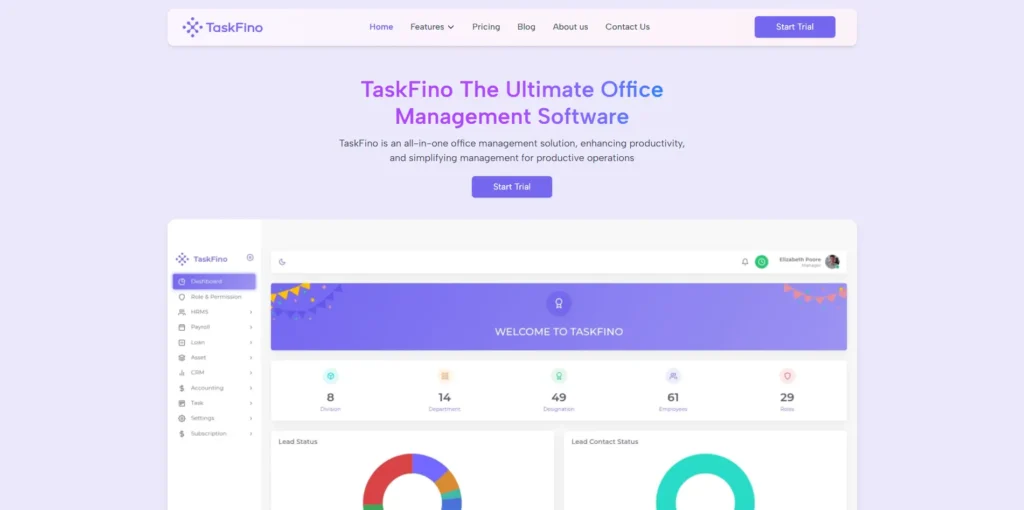
TaskFino serves as an all-in-one office management software that consolidates key business functions into a single cohesive platform.
It automates crucial HR activities like employee onboarding, attendance tracking, and leave management while handling payroll processing through automatic salary calculations, deductions, and payslip generation.
What makes it special:
The platform connects multiple business modules, including HR, CRM, accounting, and asset management, into a synchronised ecosystem.
Employee loan management handles application tracking, approval workflows, and repayment scheduling without spreadsheet juggling.
Asset monitoring tracks usage, schedules repairs, and optimizes utilization across your organization. Lead management enables detailed tracking with follow-ups and real-time reporting that keeps sales teams informed.
The good parts:
Financial tasks get automated with up-to-date tracking that gives leadership clear visibility over budgets and expenses.
Teams collaborate seamlessly without switching between multiple tools, which reduces friction and training time.
Project tracking includes milestone setting and deadline management alongside a centralized digital notice board for sharing company updates easily.
The not-so-good parts:
The platform focuses on comprehensive business management rather than flexible database creation, which means it serves different needs than pure database tools.
Pricing you’ll like:
Subscription-based pricing uses annual billing with various plans designed to scale with your organization’s size and needs. Specific pricing tiers accommodate different company sizes and feature requirements.
TaskFino works well for organizations seeking to consolidate people, processes, and data into one manageable platform rather than managing separate tools for each function.
2. Notion: Your Complete Workspace in One Place
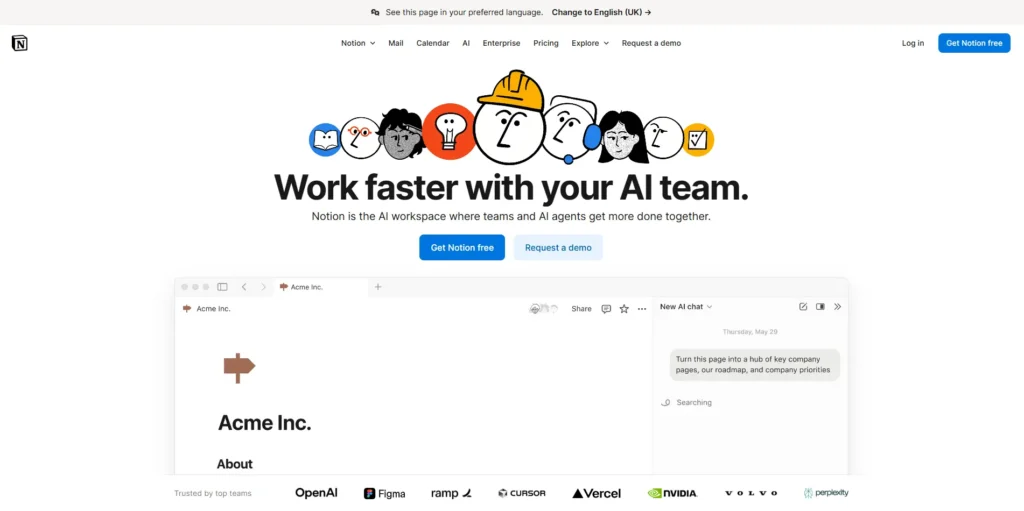
Notion stands out as a comprehensive workspace solution.
It combines documents, databases, and team wikis into a cohesive experience. Unlike Airtable, the free plan offers unlimited blocks and basic API access.
Key features that shine:
Databases link together inside documents seamlessly, creating natural connections between related information.
The full API enables custom automations that work in the background, while real-time collaboration keeps everyone in sync as they work.
Templates speed up repetitive tasks so you can focus on what matters most to your specific workflow.
What works well:
The free plan beats Airtable’s limits for small teams just getting started.
You can customize everything through pages and templates, adapting the workspace to your unique needs. Content stays unlimited on free accounts, which eliminates pressure to upgrade prematurely.
What could be better:
Performance drops when working with massive datasets that contain thousands of entries.
Grid features aren’t as advanced as Airtable’s database views, which might matter if you rely heavily on complex filtering and sorting.
Simple pricing:
The Free tier covers most small teams adequately.
The Plus plan costs $10 per user monthly for advanced features like version history and unlimited file uploads. This makes Notion one of the most affordable apps like Airtable.
Teams love Notion for combining notes, tasks, and databases without paying premium prices.
3. ClickUp: Master Project Management and CRM
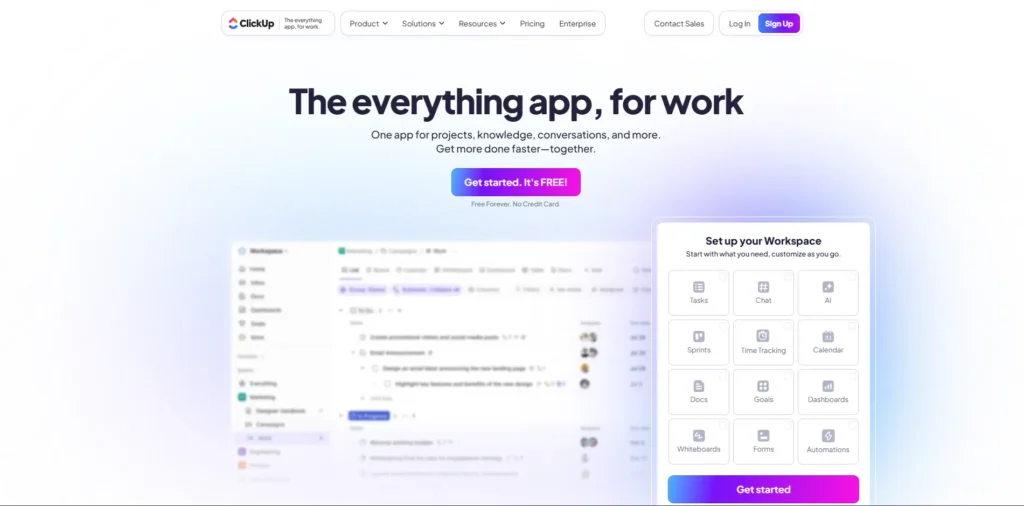
Master Project Management and CRM ClickUp dominates project management for teams needing powerful organization. It is one of the most versatile airtable crm alternatives because it handles complex sales pipelines and customer tracking while staying affordable at $7 per user monthly.
Features that matter:
Task hierarchies go as deep as you need them to, supporting complex project structures.
Multiple view types include List, Board, and Table formats that match different thinking styles. Robust API and automation tools connect everything across your workflow, while document management keeps files organized alongside related tasks.
Why teams choose it:
Everything you need lives in one platform, reducing app-switching fatigue.
Scaling costs stay reasonable even as teams grow into double digits. Features rival what enterprise tools offer without the enterprise prices that typically accompany that level of functionality.
Watch out for:
Initial setup takes time to learn properly, especially when customizing spaces and workflows.
Too many features might overwhelm new users at first, though this usually resolves with guided onboarding.
Budget-friendly pricing:
The Free tier is well-suited for small teams with basic needs.
The Unlimited plan costs just $7 per user monthly, delivering substantial value. This beats Airtable’s pricing significantly when comparing similar feature sets.
ClickUp excels as office automation software that grows with your team’s needs.
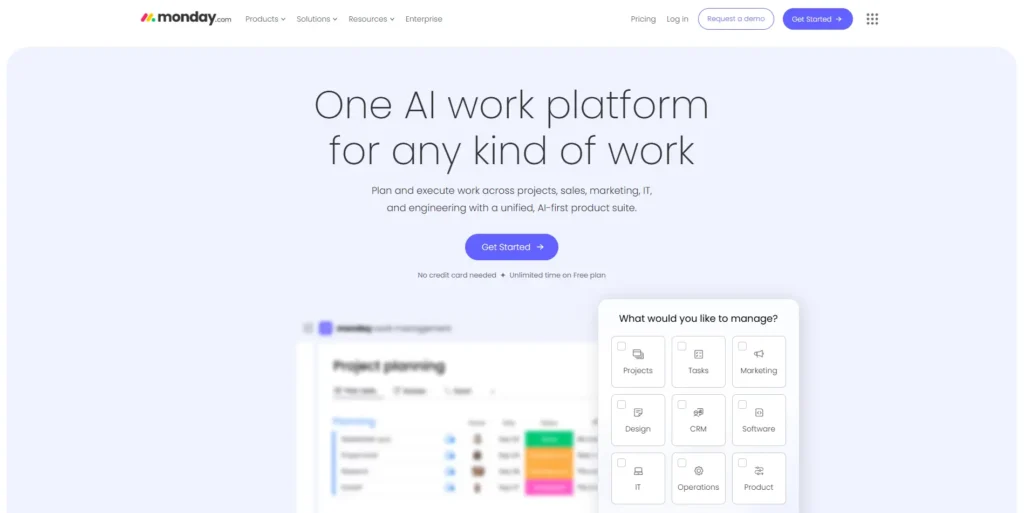
4. Monday.com: Beautiful Visual Workflows
Monday.com creates stunning visual workflows that teams love using daily.
Kanban boards, Gantt charts, and timeline views make planning feel natural rather than forced. Pricing starts at $9 per user monthly.
Stand-out features:
Custom dashboards display what matters most to your specific role or project.
Native API and webhook support enable deep integration with existing tools in your stack. Multiple timeline and calendar views fit different work styles, whether you think in sprints, quarters, or campaign cycles.
The advantages:
The interface looks gorgeous and feels intuitive from day one. Unlimited item storage comes with paid plans, eliminating concerns about hitting caps. Visual planning happens effortlessly through drag-and-drop interactions that feel responsive.
Some limitations:
Lower-tier plans limit items per board, which can become restrictive for teams managing multiple complex projects. Enterprise features require premium pricing that might stretch smaller team budgets.
Cost breakdown:
The Basic plan starts at $9 per user monthly, positioning it competitively among software like Airtable options available in the market.
Teams who think visually find Monday.com perfect for managing work with clarity.
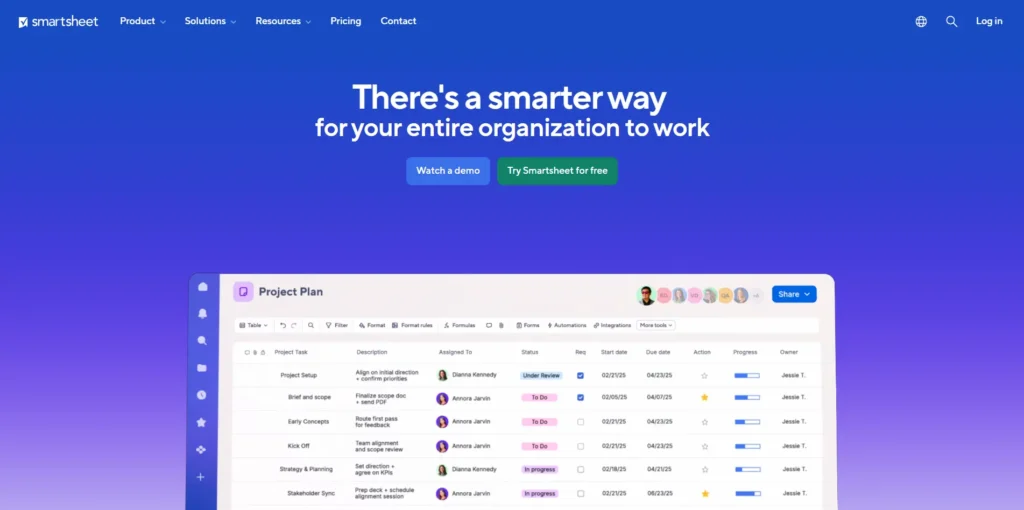
5. Smartsheet: Enterprise Power Meets Spreadsheets
Smartsheet wins for companies handling massive datasets that would buckle other platforms.
It supports over one million rows per sheet without performance degradation. Traditional spreadsheet formulas work just like Excel, reducing the learning curve for teams already comfortable with that environment.
Powerful features:
The platform handles extremely large data volumes without slowdowns that plague other tools.
The familiar spreadsheet interface needs no retraining for teams transitioning from Excel or Google Sheets.
Advanced dashboards and reports provide deep insights into project status and resource allocation, while enterprise-grade security protects sensitive data according to compliance requirements.
Why it excels:
Performance stays strong even with huge datasets containing hundreds of thousands of rows.
Integration with enterprise software runs smoothly through pre-built connectors and API access. Security meets corporate standards with features like SSO, audit logs, and granular permission controls.
Keep in mind:
The spreadsheet structure feels less flexible than pure database tools when building complex relational data models.
The Business plan requires a minimum of three users, which might not suit solo operators or very small teams.
Professional pricing:
Plans start at $9 per user monthly for professional features that include automation and integrations.
Smartsheet serves as a strong Airtable comparison winner for traditional spreadsheet users needing enterprise scale.
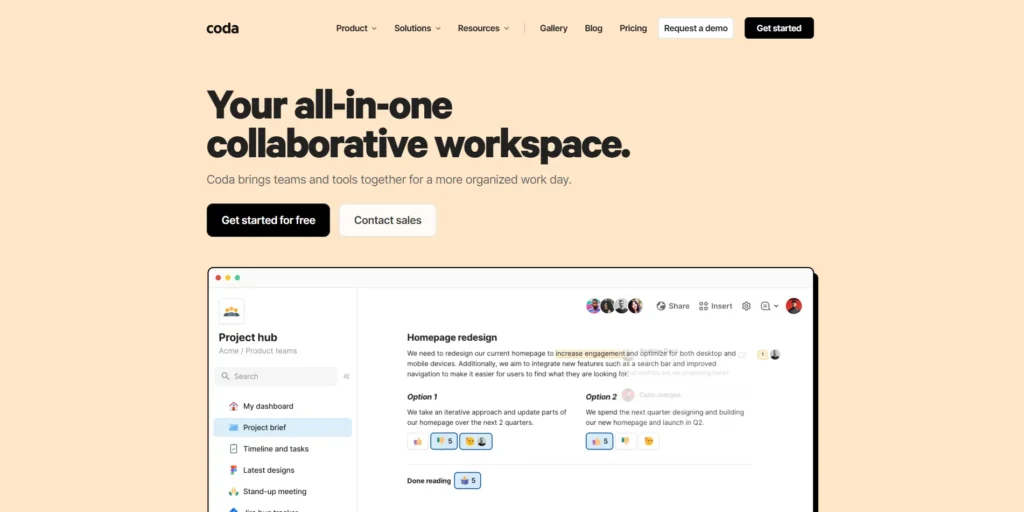
6. Coda: Interactive Documents That Do More
Coda merges documents with database features in fresh ways that feel different from traditional tools.
AI extensions add smart summaries and formula suggestions that speed up common tasks. Free for solo users, it scales gracefully with your needs as teams grow.
Unique features:
Document and table views blend together naturally, creating a hybrid experience that feels both familiar and innovative.
Extensive API and automation packs expand functionality beyond basic data management. AI-powered tools simplify complex tasks, such as generating summaries or building formulas from natural language descriptions.
Strong points:
The platform creates engaging, interactive workspaces that feel alive rather than static. It works great for individuals or small teams experimenting with new workflows. Flexibility matches diverse workflows without forcing you into predetermined templates.
Drawbacks:
The free plan includes row limits that may require upgrades sooner than expected. A learning curve exists for advanced features like packs and complex formulas, although basic functionality remains accessible.
Pricing structure:
The Free plan stays available for solo makers indefinitely.
The Pro plan costs $10 per document maker monthly, which can be economical when you have many viewers but few editors.
Coda fits teams wanting interactive documents that work like databases without feeling like spreadsheets.
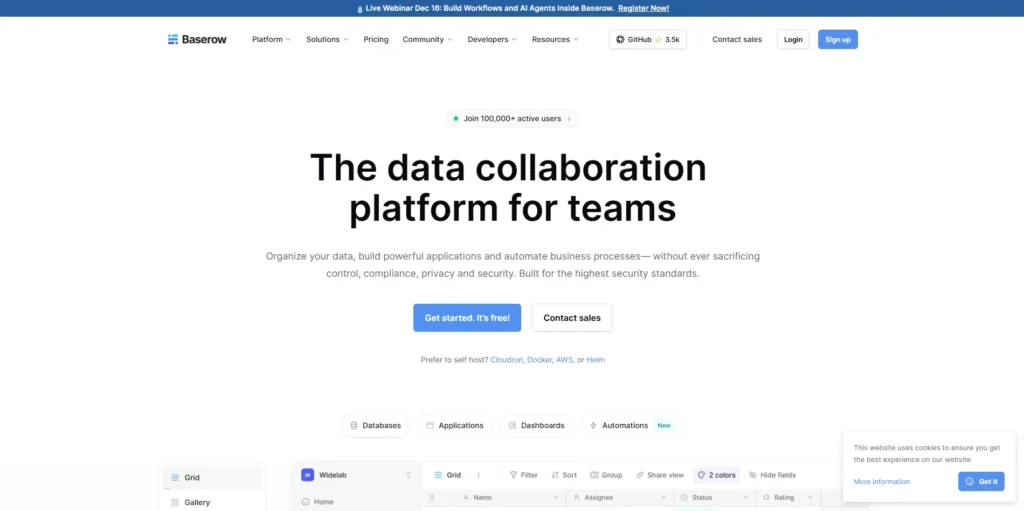
7. Baserow: Best Free and Self-Hosted Option
Baserow leads as a top free, open-source database platform for privacy-conscious teams.
Self-hosted versions offer unlimited rows without vendor restrictions. No vendor lock-in gives you complete control over your data and infrastructure choices.
Core features:
Flexible grid and Kanban views organize work your way, adapting to project management or data organization needs.
Unlimited API access on self-hosted versions enables deep integration with custom tools. Commenting and collaboration features keep teams connected without requiring external communication tools.
Major benefits:
Fully self-hosted deployment options ensure complete data privacy for sensitive information.
No row limits when hosting yourself means truly unlimited scaling. Open-source code provides full transparency into how the platform works, enabling custom modifications if needed.
Challenges:
Self-hosting setup requires technical knowledge for server configuration and maintenance.
The template library stays smaller than commercial options, though the community continues contributing new templates regularly.
Flexible pricing:
The Free SaaS tier includes 3,000 rows for teams wanting to try before committing.
Premium costs $10 per user monthly for cloud-hosted convenience. Self-hosted versions offer unlimited everything without ongoing subscription costs.
Baserow wins as the best open-source alternative to Airtable for privacy-focused teams.

8. NocoDB: Developer-Friendly Open Source Power
NocoDB converts SQL databases into Airtable-like interfaces that feel familiar to non-technical users.
The platform stays completely open-source with zero-cost self-hosting options. Developers appreciate the webhooks (automated notifications triggered by specific events) and comprehensive API access that enable complex integrations.
Technical features:
The SQL backend provides robust data control that satisfies database administrators.
Open API enables deep automation between NocoDB and other systems in your stack. Multiple grid views organize information clearly for different user roles and use cases.
Big advantages:
Self-hosting costs nothing beyond your own infrastructure expenses.
SQL compatibility means you get serious database power, including transactions, constraints, and complex queries. Developer tools feel professional with comprehensive documentation and active community support.
Considerations:
The user interface needs polishing compared to commercial alternatives, though improvements arrive regularly.
The free tier offers limited professional support, which might concern teams without in-house technical expertise.
Cost options:
Free for self-hosting with no feature restrictions or usage limits. The team license costs $228 per year for cloud-hosted convenience, including professional support.
NocoDB serves developers who want functionality similar to Airtable, with SQL strength underneath.
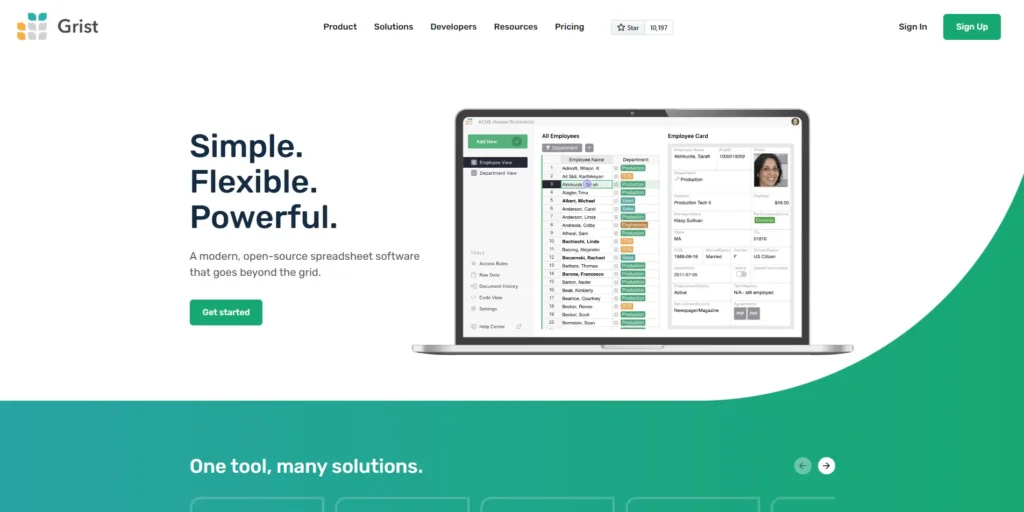
9. Grist: Spreadsheet Meets Database Perfectly
Grist combines spreadsheet comfort with database capabilities in a unique hybrid approach. Python-based formulas enable powerful calculations beyond what standard spreadsheet functions offer. The platform works offline and self-hosts easily for teams with specific deployment requirements.
Special features:
Python scripting adds advanced functionality like custom data transformations and complex business logic.
API access automates workflows by connecting Grist to other tools in your ecosystem. Linked data widgets connect information smartly, creating relationships between different tables that update automatically.
Why it works:
The hybrid approach feels familiar to spreadsheet users yet provides database power when needed.
Offline support keeps work moving anywhere, even without internet connectivity. The Python integration appeals to teams with technical users who want to extend capabilities.
Limitations:
The smaller user community means fewer resources and third-party integrations compared to mainstream alternatives. The platform feels less suited for pure project management compared to purpose-built tools like ClickUp or Monday.com.
Pricing details:
Free self-hosting stays available for teams with technical capabilities. The Team plan costs $24 per user monthly for cloud-hosted convenience and support.
Grist satisfies spreadsheet lovers wanting more power without losing the familiarity that makes spreadsheets comfortable.

10. Google Sheets: Free and Familiar
Google Sheets remains popular for basic workflow needs that don’t require specialized database features.
Real-time collaboration works seamlessly across team members in different locations. Google Apps Script enables automation for repetitive tasks. The platform stays completely free with any Google account.
Simple features:
Real-time team editing keeps everyone synced without manual file sharing or version control nightmares. Scripting adds custom automation that can handle surprisingly complex workflows. Form integration collects data easily from external sources like surveys or customer feedback.
Clear benefits:
The platform costs nothing with a Google account, eliminating budget concerns entirely.
Everyone knows how to use it, which means zero training time or onboarding friction. Sharing happens instantly through familiar Google permissions that most teams already understand.
Obvious limits:
No native project management tools exist beyond basic task lists and comments. Large sheets slow down performance significantly once you cross certain size thresholds. Advanced database features like relational data and complex queries remain unavailable.
Google Sheets works best for simple workflows when budgets stay tight, and teams need something immediately accessible.
More Options Worth Checking
Beyond the top 10, several other platforms deserve attention if those options don’t quite fit your specific needs.
Microsoft Lists: Perfect for Microsoft 365 Users
Microsoft Lists integrates deeply with the Microsoft 365 ecosystem. Power Automate handles workflows smoothly. Teams and SharePoint sync in real-time.
What it offers:
Custom lists with flexible rules and views. Strong enterprise security protects data. Seamless integration across Microsoft tools.
The catch:
Lacks spreadsheet depth. Requires a Microsoft 365 subscription.
Pricing:
Included with Microsoft 365 subscriptions starting at around $6 monthly.
Stackby: Affordable Stack-Based Workflows
Stackby copies Airtable’s base concept at lower prices. Multiple column types and templates help you start quickly. Free tier provides 3,500 rows.
Key features:
Airtable-like interface feels familiar. Zapier and API integrations connect tools. Collaboration happens through comments.
Benefits:
Lower cost than Airtable. Unlimited guests on paid plans.
Limits:
Free tier row restrictions. Slightly less polished interface.
Pricing:
Free plan includes 3,500 rows. Pro costs $9 per user monthly with 7,000 rows.
Zapier Tables: Built for Automation Lovers
Zapier Tables focuses on automation-first teams. Create no-code databases that trigger workflows automatically. Perfect for Zapier power users.
Core features:
Zap-triggered tables and records automate everything. Native Zapier integration runs deep. Simple interface with forms.
Strengths:
Perfect for automation-focused workflows. Scales with a Zapier subscription naturally.
Weaknesses:
Limited standalone features. Task and usage limits apply.
Cost:
Free tier includes 2,500 records. Paid starts at $20 monthly with 100,000 records.
Side-by-Side Tool Comparison
Here’s how these better-than-Airtable options compare:
| Tool Name | Starting Price | Key Differentiator |
| TaskFino | $19.99/month (60% off annual) | All-in-one: HR, Payroll, CRM, Accounting & Assets unified |
| Notion | Free/$10 | No hard limits on blocks |
| ClickUp | Free/$7 | High-capacity storage |
| Monday.com | $9 | Board-based workflows |
| Smartsheet | $9 | 1M rows enterprise-grade |
| Baserow | Free/$10 | 3k free/Unlimited self-hosted |
| NocoDB | Free/$228/year | Unlimited with SQL backend |
| Grist | Free/$24 | Unlimited with Python formulas |
| Google Sheets | Free | ~10M cells, universally familiar |
| Microsoft Lists | $6 | M365 ecosystem integration |
| Stackby | Free/$9 | 3.5k free/7k rows on Pro |
| Zapier Tables | Free/$20 | 2.5k free/100k with automation |
How to Pick Your Perfect Tool
Choosing the right Airtable alternative takes careful thinking. Follow these simple steps.
First, check your data needs. How many rows do you use now? How fast will you grow? Free tiers often limit rows. Plan ahead to avoid hitting walls.
Second, count your costs. Calculate the real price per user as you scale. Include upgrade costs for more rows and automation. Hidden fees hurt budgets later.
Third, test integrations. Make sure the tool connects with your current software. Try the API with Zapier or custom connectors. Broken connections waste time.
Fourth, match your workflow style. Does your team prefer Kanban boards? Gantt charts? Grid views? Pick the interface your team adopts fastest. Adoption speed matters more than features.
Finally, consider data control. Need self-hosting for security or compliance? Open-source options give complete control over your data.
Take time testing before committing. Most tools offer free trials. Use them.
Switching Made Simple: Moving Your Data
Moving from Airtable feels easier than you think. Most tools import CSV files directly. Export your Airtable data as CSV, then import it to your new platform.
Here’s what happens:
Baserow and NocoDB include dedicated Airtable importers. These tools make migration smoother. You’ll need to rebuild workflow automations, though. That takes time but pays off.
Plan for 1-2 days of admin time for the switch. This includes importing data, setting up views, and rebuilding automations. The investment brings long-term savings and better features.
Test thoroughly before switching completely. Run both systems briefly to catch issues early.
Common Questions Answered
Is Notion cheaper than Airtable?
Yes, definitely. Notion’s free plan offers unlimited blocks with no row caps. Airtable charges $20 per user for the Team plan and limits rows heavily. Small teams and individuals save significantly with Notion.
Which tool has the best free plan?
Baserow and NocoDB win for unlimited rows on self-hosted versions. Stackby and Zapier Tables provide 3,000+ rows on free hosted plans. Choose based on whether you want to self-host or not.
What’s the best open-source option?
Baserow leads as the premier no-code, open-source database. Clean interface and easy self-hosting make it accessible. NocoDB excels for developers needing SQL backend power.
Do all these tools work with Zapier?
Yes, every listed platform supports Zapier integrations or provides robust APIs that Zapier uses. Workflow automation across tools happens seamlessly.
Here are some additional alternatives that could be really helpful for you
- Basecamp Alternatives
- ProofHub Alternatives
- Skedda vs Othership
- Asana Alternatives
- Zoho Alternatives
- Jira Alternatives
- Monday Alternatives
- ClickUp Alternatives
- Nifty vs Trello
- Envoy Alternatives
- Wrike and Asana Comparison
- Deskbird Alternatives
Make Your Choice: Final Recommendations
The right tool depends on your specific needs. But here are clear winners for common situations.
For best value overall: Taskfino delivers flexibility and affordability for all-in-one workspace needs. The free plan covers most small teams perfectly.
For project management: ClickUp provides deep task and project features suited for agencies and growing teams. Price stays reasonable as you scale.
For enterprise data needs: Smartsheet handles massive datasets with Excel-like familiarity. Enterprise security meets corporate requirements.
For budget-conscious teams: Baserow and Google Sheets offer powerful free options. Choose Baserow for database needs or Sheets for simple collaboration.
For automation lovers: Zapier Tables or ClickUp integrate automation naturally into workflows.
This guide gives you everything needed to choose wisely in 2026’s evolving tool landscape. Stop paying too much for limited features. Switch to a tool that grows with your team affordably.
The best time to switch? Right now, before your next Airtable invoice arrives.