
Are you struggling to find a project management tool that actually works for your team? You’re not alone. Many teams feel frustrated when their current tool doesn’t match their workflow.
ProofHub is popular, but it’s not perfect for everyone. The pricing might be too high. The features might feel limited. Or maybe your team needs something more specific.
However, there are dozens of powerful ProofHub alternatives that could work better for you. This guide shows you 22 top options. You’ll learn what makes each one special, how much they cost, and which teams they work best for.
Let’s find the perfect tool for your team.
What Is ProofHub?
ProofHub helps teams manage projects in one place. You can track tasks, share files, and talk with your team. It includes online proofing tools, discussion boards, and time tracking features.
But not every team needs all these features. Some want simpler tools. Others need more advanced options.
Why Teams Search for ProofHub Competitors
Teams look for alternatives to ProofHub for several reasons. The pricing structure doesn’t work for everyone. Limited integrations create problems when your tools don’t connect.
Many teams need specialized workflows. Agile teams want sprint planning features. Creative teams need better visual boards.
And some users find ProofHub too complex, while others think it’s too basic.
How to Pick the Right Alternative
Choosing new office management tools takes careful thought. Start with your team’s skill level and match features to your workflow.
Do you need Kanban boards? Gantt charts? Time tracking?
Budget matters a lot. Calculate the total cost per user and check for free trials. Make sure your new tool connects with apps you already use, like Slack or Google Drive.
Think about growth, too. Choose something that scales when your team expands.
The 22 Best ProofHub Alternatives
Taskfino
Best For: Businesses needing complete office management beyond just project tracking
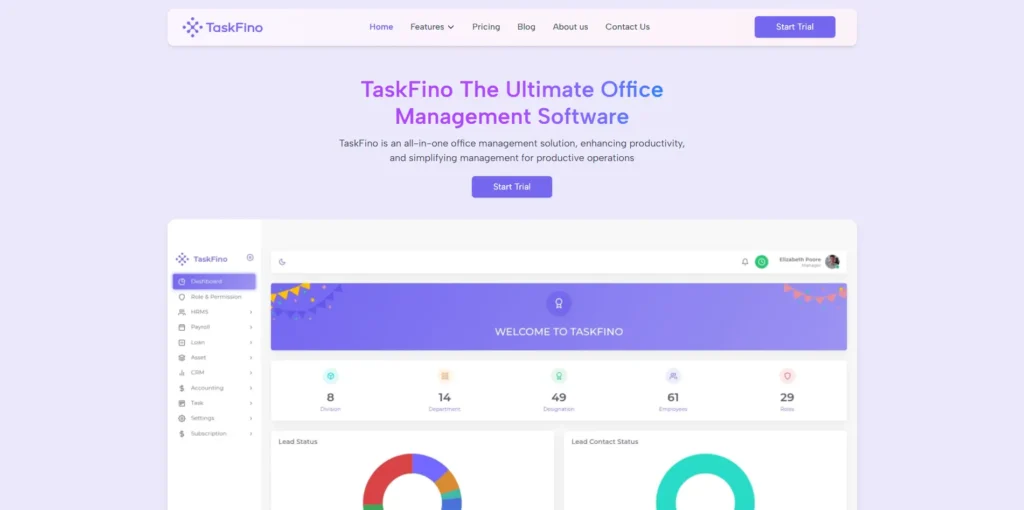
Taskfino is more than a simple task manager. It’s a full office management system that handles HR, payroll, accounting, and CRM in one place. You get complete functionalities without switching between different tools.
Key Features: HRMS with employee onboarding, automated payroll processing, loan management, asset tracking, CRM with lead management, accounting with financial reports, task management with milestones, digital notice board
Pros: All-in-one business solution, handles multiple departments, affordable pricing starting at $16.69/month, includes 40+ advanced tools, 24/7 support, works for growing teams up to 100 users
Pricing: Startup plan at $16.69/month (billed annually at $199) for 10 users; scales up to Enterprise at $108.33/month for 100 users

SmartSuite
Best For: Teams needing flexible project management for multiple workflows
SmartSuite adapts to how your team actually works. It supports different frameworks and grows with your business. The automation features save hours of repetitive work.
Key Features: Custom workflows, automation, integrations, dashboards, detailed reporting
Pros: Highly customizable, scales well, works for various team sizes
Cons: Takes time to learn all features
Pricing: Free trial available with affordable paid plans
ClickUp
Best For: Teams who want everything in one customizable platform
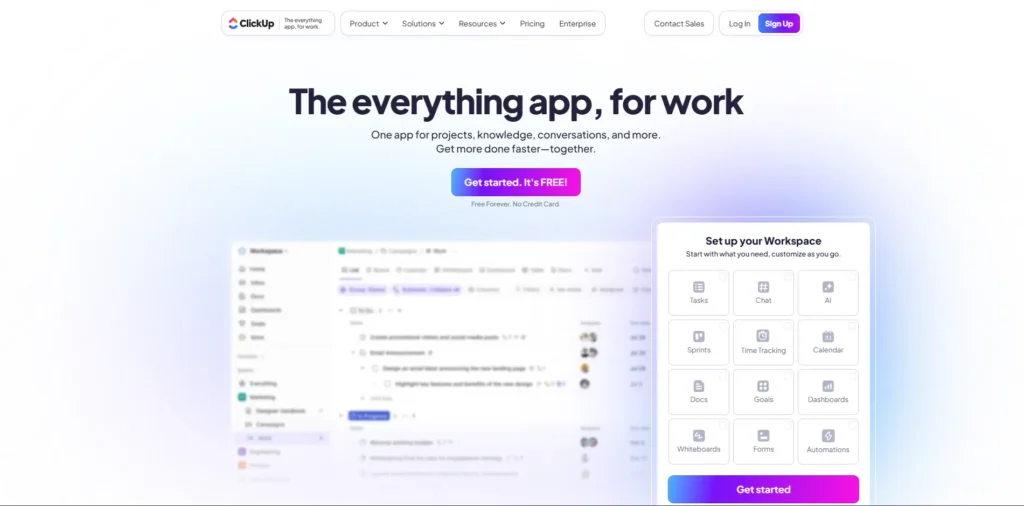
ClickUp combines tasks, documents, goals, and chat in one place. You can set up custom statuses and choose from multiple viewing options. It’s one of the most feature-rich sites like ProofHub.
Key Features: Custom statuses, multiple views, automation, goal tracking, extensive integrations
Pros: Incredible flexibility, tons of features, free plan available
Cons: Can feel overwhelming at first
Pricing: Free forever plan; paid plans start at $5 per user monthly
Asana
Best For: Teams wanting intuitive workflow management with strong collaboration
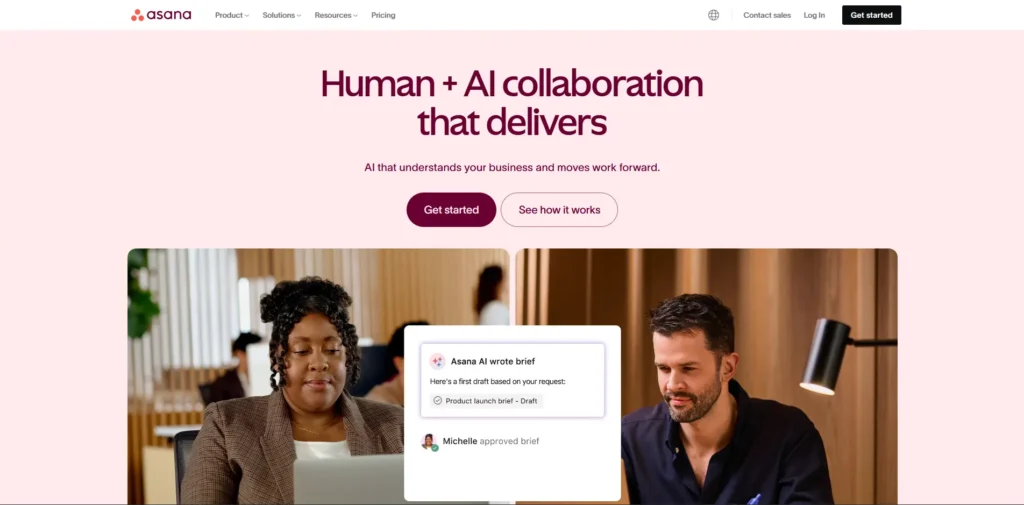
Asana makes task management feel natural. The timeline view helps you see the big picture. Automation rules handle routine work so you can focus on important tasks.
Key Features: Task lists, timeline view, automation rules, reporting, integrations
Pros: Very user-friendly, excellent collaboration tools, clean design
Cons: Advanced portfolio features cost extra
Pricing: Free tier available; Premium starts at $10.99 per user monthly
Trello
Best For: Visual thinkers who love Kanban-style planning
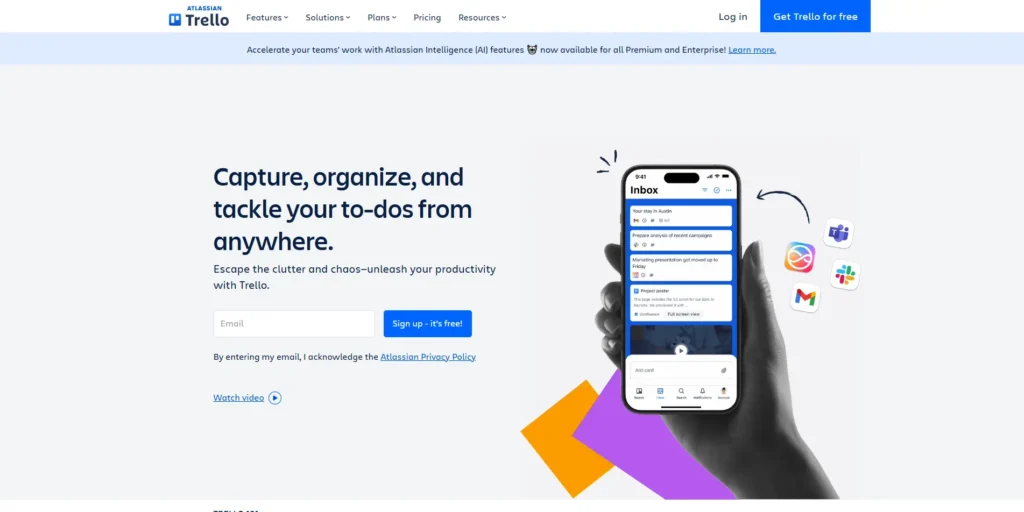
Trello‘s boards, lists, and cards make project planning visual and fun. You can see everything at a glance. It’s simple enough for anyone to start using today.
Key Features: Kanban boards, lists, cards, automation (Butler), integrations
Pros: Super simple visual interface, very flexible, easy to learn
Cons: Not ideal for complex projects with many dependencies
Pricing: Free basic plan; paid options start at $5 per user monthly
Wrike
Best For: Teams needing advanced dashboards and custom workflows
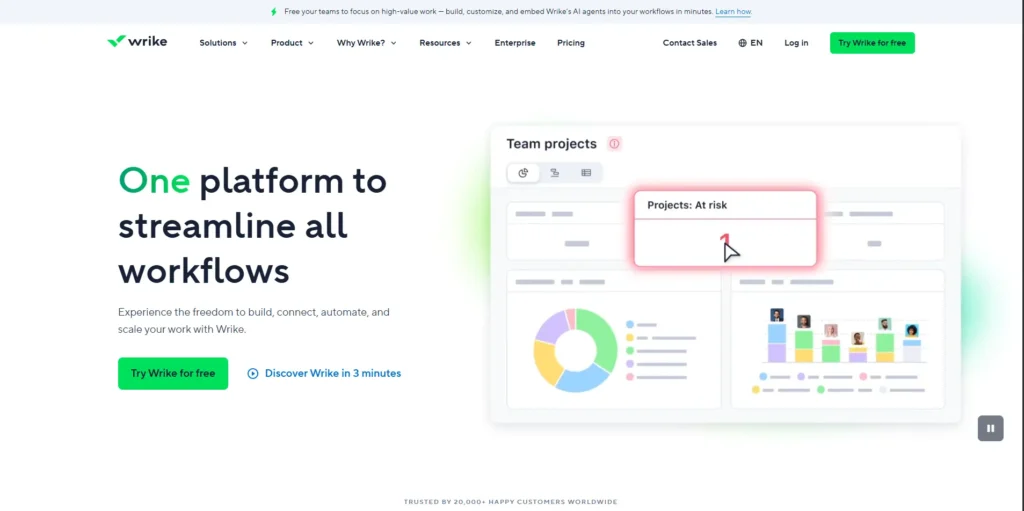
Wrike handles complex projects with ease. The dashboards show real-time data. Custom workflows mean you set up the tool exactly how you need it.
Key Features: Real-time collaboration, time tracking, request forms, and advanced reporting
Pros: Very powerful, scales with growth, excellent analytics
Cons: Interface takes time to master
Pricing: Free plan available; paid plans from $9.80 per user per month
Jira
Best For: Software development teams running Agile sprints
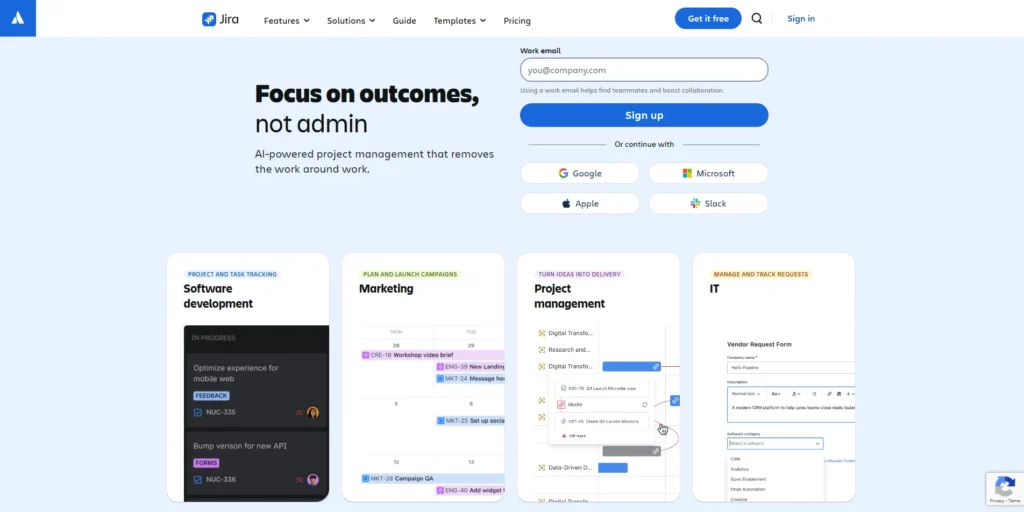
Jira is built specifically for Agile teams. Scrum and Kanban boards help you manage sprints. Issue tracking keeps bugs and features organized.
Key Features: Scrum boards, Kanban boards, backlog management, sprint reporting
Pros: Best-in-class Agile support, powerful for developers
Cons: Steep learning curve for non-technical users
Pricing: Free for up to 10 users; advanced plans from $7.16 per user monthly
Monday.com
Best For: Teams wanting a visual, flexible work operating system
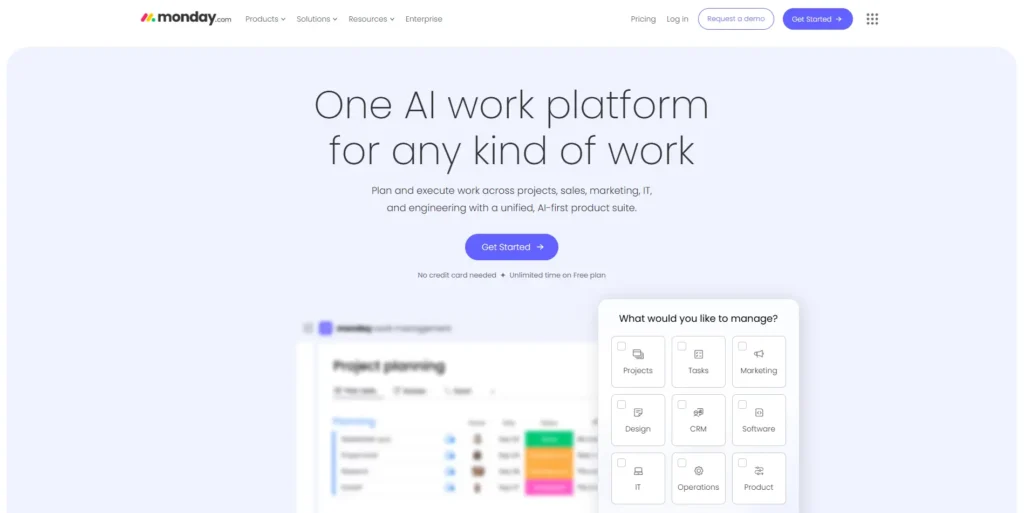
Monday.com turns complex workflows into colorful, easy-to-understand boards. Custom workflows adapt to any process. The platform feels modern and fresh.
Key Features: Custom workflows, visual dashboards, automation, wide integration options
Pros: Beautiful interface, highly customizable, user-friendly
Cons: Higher price than some competitors
Pricing: Plans start at $8 per user monthly
Teamwork
Best For: Agencies and client-focused teams needing billing features
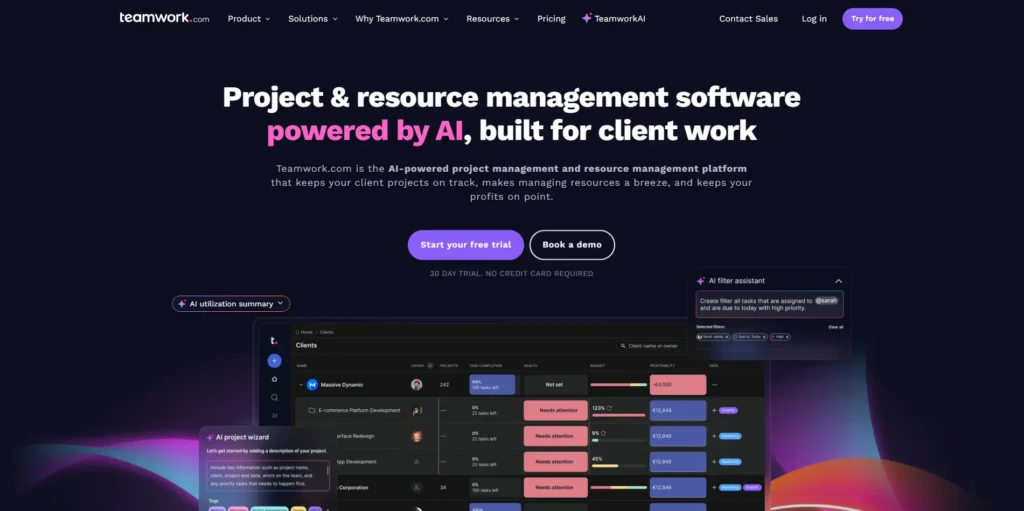
Teamwork excels at client work management. Time tracking connects to billing. Project templates speed up recurring work. It’s designed for teams that bill clients.
Key Features: Time tracking, task management, project templates, billing integration
Pros: Great for agencies, strong client management tools
Cons: Setup takes some effort
Pricing: From €13.99 per user monthly
MeisterTask
Best For: Teams preferring Kanban with built-in collaboration
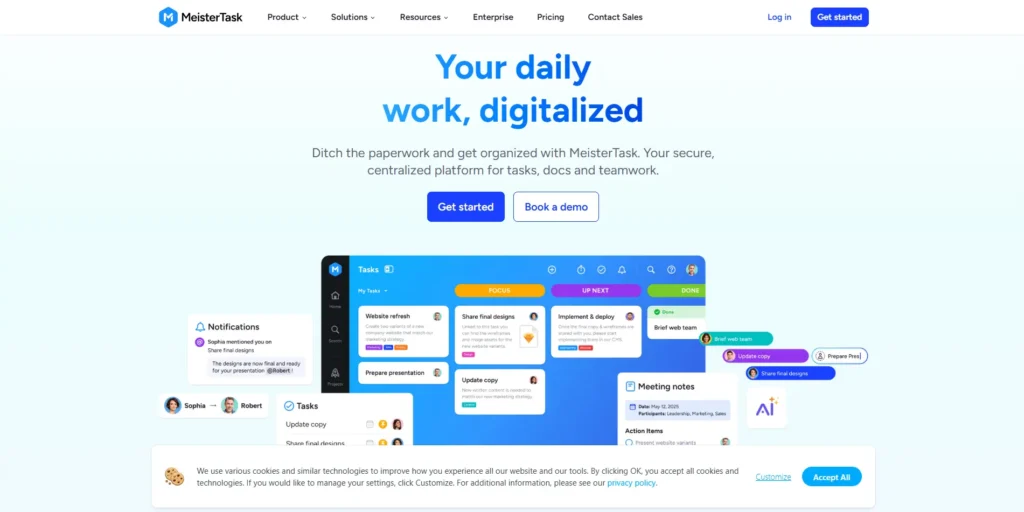
MeisterTask focuses on Kanban done right. Task boards stay clean and organized. The timeline view helps with planning. Collaboration features keep everyone connected.
Key Features: Task boards, timeline view, integrations, time tracking
Pros: Beautiful Kanban interface, intuitive design
Cons: Fewer features than some larger competitors
Pricing: Free tier available; paid from $8.25 per user monthly
Zoho Projects
Best For: Budget-conscious teams wanting automation and ecosystem integration
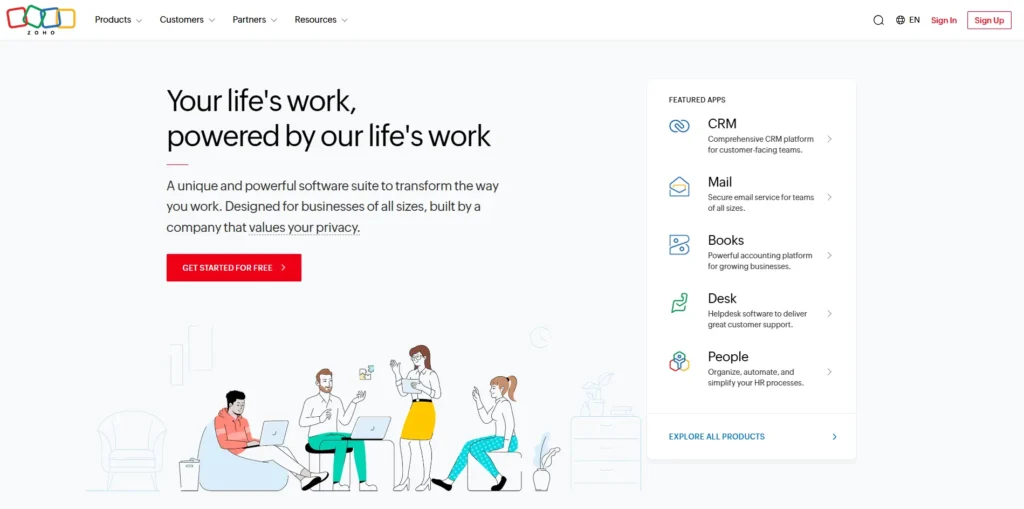
Zoho Projects delivers solid features at lower prices. Task automation saves time on repetitive work. It connects seamlessly with other Zoho tools.
Key Features: Task automation, Gantt charts, time tracking, issue tracking
Pros: Affordable pricing, broad feature set, good value
Cons: The Interface looks dated compared to newer tools
Pricing: Plans from $13.99 per user monthly
Nifty
Best For: Teams combining project management with team collaboration
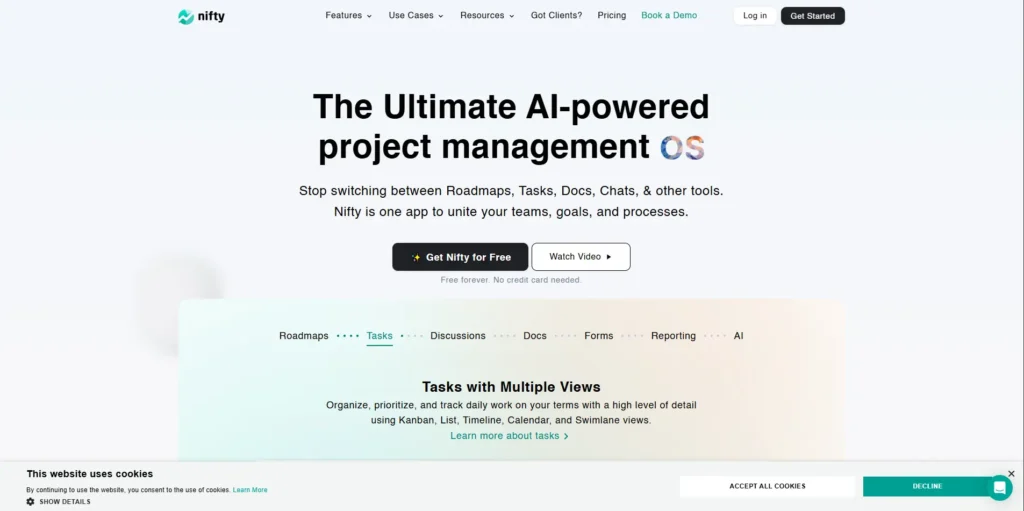
Nifty brings milestones, tasks, and docs together. You can manage entire projects without switching tools. The integrated approach keeps everything connected.
Key Features: Milestone tracking, task boards, docs, integrations
Pros: Good balance of project management and collaboration
Cons: Smaller user community than major platforms
Pricing: Paid plans start at $39 monthly for teams
Smartsheet
Best For: Spreadsheet lovers wanting powerful project automation
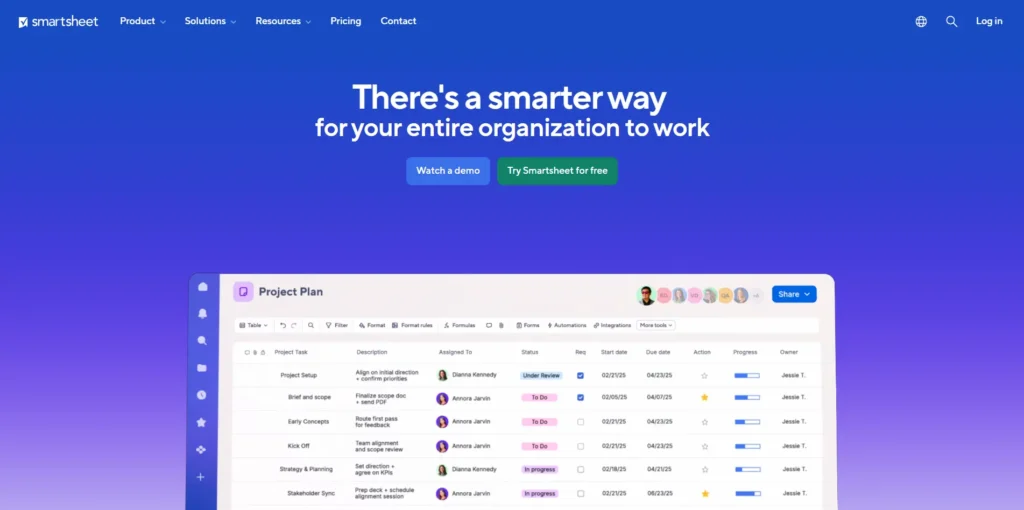
Smartsheet feels like a supercharged spreadsheet. Grid, card, and Gantt views give you options. Workflow automation handles complex processes automatically.
Key Features: Multiple view types, workflow automation, strong integrations
Pros: Perfect for process-driven teams, powerful automation
Cons: Can get expensive for large teams
Pricing: From $7 per user monthly
Basecamp
Best For: Small teams wanting simple project tracking and communication
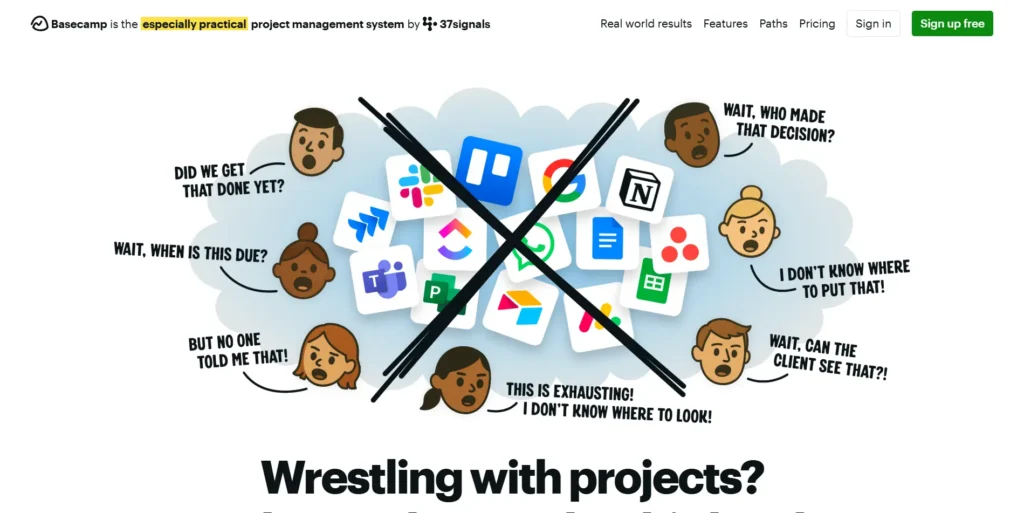
Basecamp keeps things refreshingly simple. To-do lists, message boards, and file sharing cover the basics. There’s no complexity to slow you down.
Key Features: To-do lists, message boards, scheduling, file sharing
Pros: Very simple to use, all-in-one approach, flat pricing
Cons: Lacks advanced project management features
Pricing: Flat fee of $99 monthly for unlimited users
ProProfs Project
Best For: Teams needing straightforward tracking with knowledge management
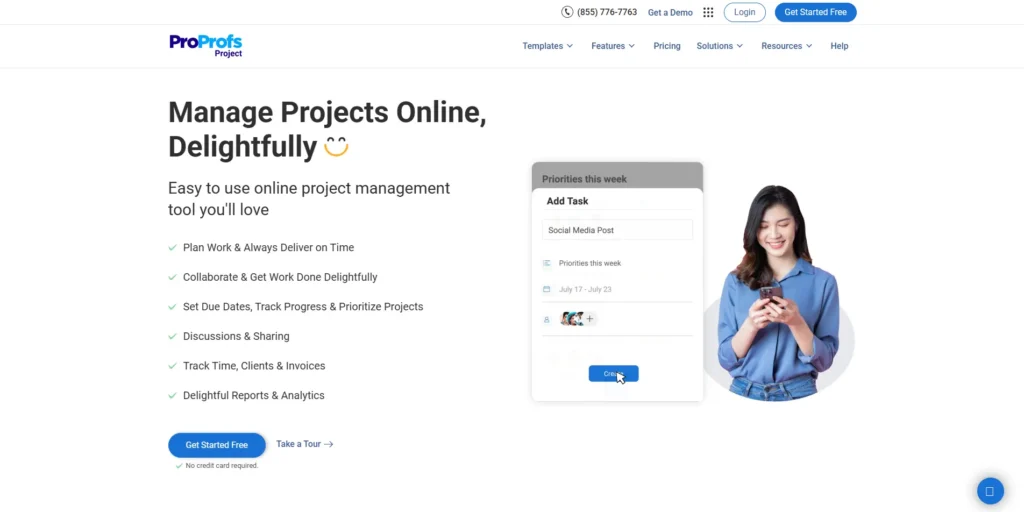
ProProfs Project makes project management accessible. Task management stays simple. Knowledge management features help teams document processes.
Key Features: Task management, time tracking, project templates
Pros: Easy to learn and use, affordable
Cons: Limited advanced reporting options
Pricing: Starting at $2 per user monthly

Breeze
Best For: Teams wanting simple task boards without complexity
Breeze gets you started fast. Kanban boards organize work visually. Time tracking shows where effort goes. No complicated setup required.
Key Features: Kanban boards, time tracking, collaboration tools
Pros: Quick setup, simple interface, no learning curve
Cons: Missing advanced features some teams need
Pricing: $10 per user monthly
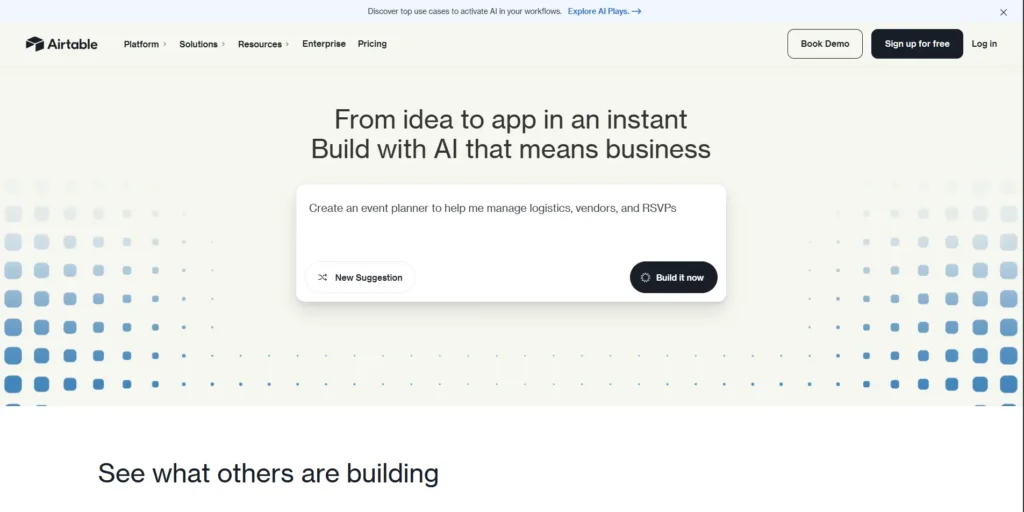
Airtable
Best For: Teams wanting flexible database-driven project management
Airtable combines spreadsheets with database power. Custom views let you see data your way. It’s incredibly flexible for creative workflows.
Key Features: Spreadsheet-database hybrid, customizable views, automation
Pros: Extremely flexible, visual and powerful, great for creative teams
Cons: Costs can add up quickly
Pricing: Free tier available; paid from $10 per user month
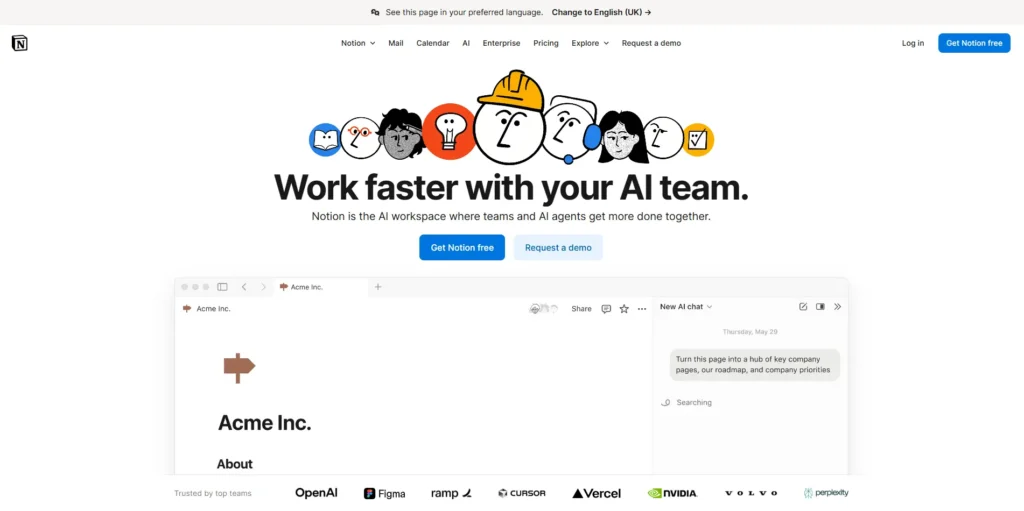
Notion
Best For: Teams seeking an all-in-one workspace for everything
Notion handles notes, tasks, databases, and wikis in one place. Templates speed up common tasks. It’s endlessly customizable to match your needs.
Key Features: Notes, databases, task boards, templates, collaboration
Pros: Incredibly flexible, beautiful design, strong community
Cons: Requires setup time to customize properly
Pricing: Free tier available; paid plans start at $8 per user monthly
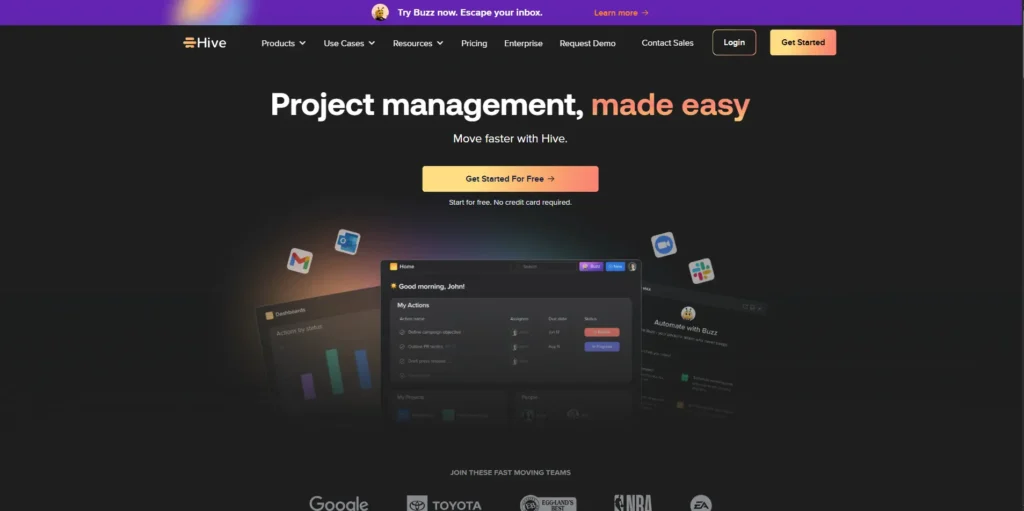
Hive
Best For: Teams wanting AI-powered project management features
Hive uses artificial intelligence to boost productivity. Smart insights help you make better decisions. The platform combines power with modern design.
Key Features: Task management, time tracking, AI insights, automation
Pros: Advanced productivity features, AI-powered suggestions
Cons: Learning curve for all the features
Pricing: Plans start at $12 per user monthly
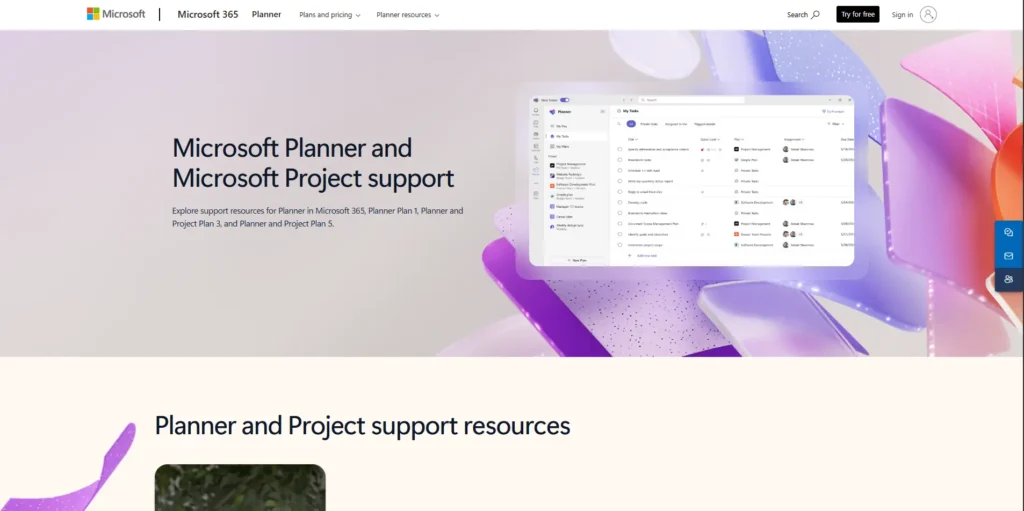
Microsoft Project
Best For: Large enterprises needing detailed scheduling and resource management
Microsoft Project is the heavyweight champion. Gantt charts show complex dependencies. Resource management handles large teams. It’s built for serious project managers.
Key Features: Advanced Gantt charts, resource management, detailed reporting
Pros: Extremely powerful, enterprise-grade features
Cons: Expensive and complex to learn
Pricing: Subscription-based, from $10 per user monthly
Slack
Best For: Teams prioritizing communication integrated with project tools
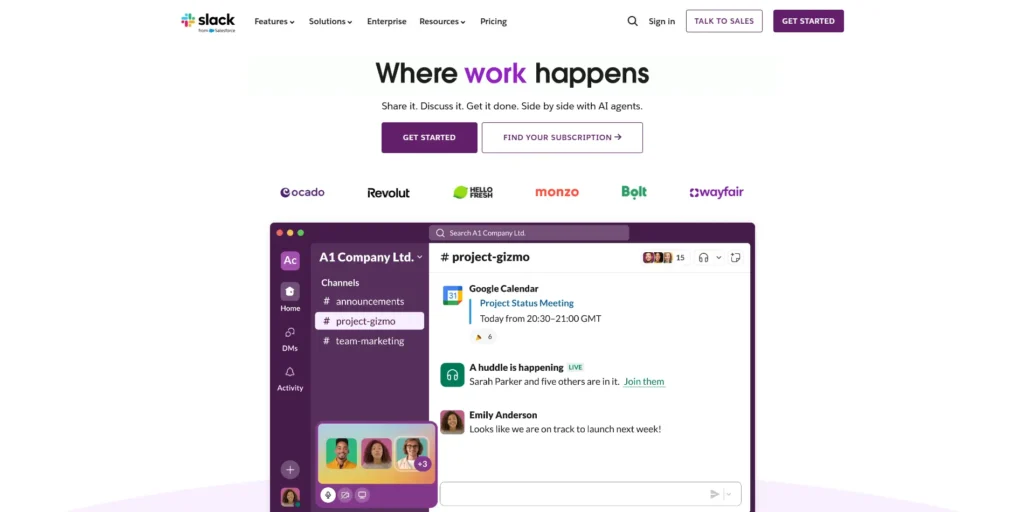
Slack excels at team communication. Channels organize conversations by topic. File sharing and app integrations connect your workflow. It’s not a full project manager, but it works great alongside one.
Key Features: Messaging, channels, file sharing, extensive app integrations
Pros: Best-in-class communication tool, widely adopted
Cons: Not a standalone project management solution
Pricing: Free plan available; paid from $6.67 per user monthly
Google Workspace
Best For: Teams wanting cloud collaboration and productivity integration
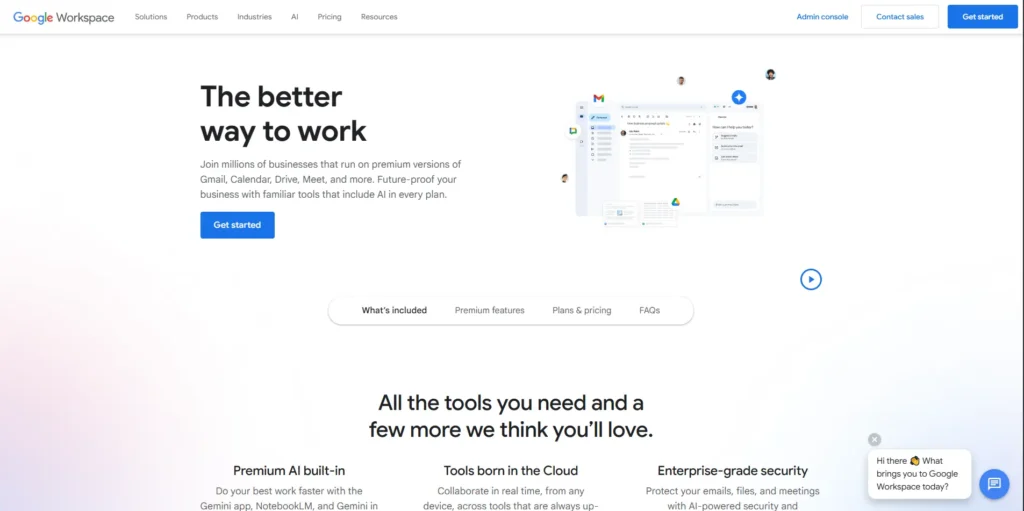
Google Workspace provides the foundation for collaboration. Docs, Sheets, Drive, and Meet work seamlessly together. You’ll need add-ons for full project management features.
Key Features: Docs, Sheets, Drive, Meet, Calendar
Pros: Universal collaboration platform, familiar to most users
Cons: Requires third-party tools for complete project management
Pricing: Plans from $6 per user monthly
Quick Comparison: Find Your Perfect Match
| Alternative | Best For | Pricing Start | Key Strengths | Potential Drawbacks |
| Taskfino | Task & time tracking with Slack | $16.69/month | Complete office management system | May have more features than needed for simple projects |
| SmartSuite | Versatile PM for teams | Custom, free trial | Customizable, scalable | Complexity |
| ClickUp | All-in-one customizable PM | $0 / $5/user/month | Feature-rich, flexible | Learning curve |
| Asana | Task workflows & automation | $0 / $10.99/user/month | Intuitive, collaborative | Limited portfolio features |
| Trello | Visual task management | $0 / $5/user/month | Flexible, Kanban | Basic PM functionality |
| Wrike | Advanced dashboards & analytics | $0 / $9.80/user/month | Powerful, scalable | UI complexity |
| Jira | Agile development teams | $0 / $7.16/user/month | Agile focus, issue tracking | Steep learning |
| Monday.com | Visual, flexible work OS | $8/user/month | Custom workflows | Higher cost |
| Teamwork | Client & project planning | €13.99/user/month | Time tracking, billing | Setup complexity |
| MeisterTask | Kanban with collaboration | $0 / $8.25/user/month | Intuitive Kanban | Limited features |
| Zoho Projects | Budget-conscious, integrated | $13.99/user/month | Affordable, automation | UI dated |
| Nifty | Integrated PM + collaboration | $39/month | Milestones and docs | Smaller user base |
| Smartsheet | Spreadsheet lovers | $7/user/month | Automation, views | Pricey |
| Basecamp | Simple PM and communication | $99 flat/month | Easy, all-in-one | Limited advanced features |
| ProProfs | Simple PM + knowledge management | $2/user/month | Easy to use | Limited reporting |
| Breeze | Simple task boards & tracking | $10/user/month | Quick setup | Few advanced features |
| Airtable | Flexible database PM | $0 / $10/user/month | Highly flexible | Can be costly |
| Notion | All-in-one workspace | $0 / $8/user/month | Customizable | Setup time needed |
| Hive | AI-powered project management | $12/user/month | Advanced features | Learning curve |
| Microsoft Project | Enterprise scheduling | $10/user/month | Powerful enterprise tools | Expensive, complex |
| Slack | Communication first | $0 / $6.67/user/month | Excellent messaging | Not standalone PM |
| Google Workspace | Productivity suite | $6/user/month | Cloud collaboration | Needs add-ons for PM |
What to Consider When Choosing Your Tool
Ease of use matters most. Pick a tool that your team can learn quickly. Complex tools slow down adoption and waste time.
Match features to your workflow. Agile teams need sprint planning. Creative teams want visual boards. Don’t pay for features you won’t use.
Budget carefully. Calculate total costs, including all users. Look for free trials before committing. Remember that cheap tools can become expensive with add-ons.
Check integration options. Your new tool should connect with apps you already use. Slack, email, and cloud storage integrations save huge amounts of time.
Read support reviews. Good customer support fixes problems fast. Look for responsive teams and helpful documentation.
Growth plan. Choose a tool that scales as your team expands. Switching tools later costs time and money.
Find Your Best ProofHub Alternative Today
The right project management tool transforms how your team works. It reduces stress, improves communication, and helps you hit deadlines consistently.
ProofHub works for some teams, but it’s not the only option. These 22 new ProofHub alternatives offer different strengths. Some are simpler. Others are more powerful. Many cost less.
Start by identifying your biggest pain points. What frustrates your team most about current tools? Which features would make the biggest difference in your daily work?
Try free trials before committing. Test tools with real projects. Get feedback from your team members. The best tool is the one your team will actually use.
Your perfect project management solution is out there waiting. Take the first step today and transform how your team collaborates.
Explore more alternatives by visiting any of these links
- ClickUp Alternatives
- Monday Alternatives
- Asana Alternatives
- Zoho Alternatives
- Jira Alternatives
- Basecamp Alternatives
- Airtable Alternatives
- Nifty vs Trello
- ClickUp Vs Basecamp
- Envoy Alternatives
- Wrike and Asana Differences
- Deskbird Alternatives
Frequently Asked Questions
How to plan a project?
Planning a project involves defining goals, breaking work into tasks, assigning resources, setting deadlines, and creating a timeline to achieve your objectives.
What is resource planning in project management?
Resource planning is the process of identifying and allocating the people, budget, tools, and materials needed to complete project tasks on time.
What is the primary tool for project planning?
The primary tool for project planning is a Gantt chart, which visually displays tasks, timelines, dependencies, and progress in a timeline format.RetryClaude can make mistakes. Please double-check responses.