Choosing the right HR software is a massive headache. Every landing page promises the same things: ‘automated payroll’ and ‘happy employees.’ But as a small business owner, you know that the wrong tool doesn’t just waste money, it wastes your time.
To make this list of the best HR software for small businesses, I didn’t just read the marketing fluff. I looked at which tools actually save time for teams under 50 people, which ones have hidden fees that hurt small budgets, and which ones are simple enough that your employees won’t need a manual just to request a day off. Here is a breakdown of the best HR software based on real-world usability and value.
What Is HR Software and Why Do You Need It?
HR software, often referred to as employee management software for small businesses, centralizes critical functions like payroll processing, time tracking, benefits administration, and compliance into one digital platform. It eliminates manual spreadsheet management and reduces administrative workload by 60-70% for businesses with 10 or more employees. Understanding the efficiency gap between legacy workflows and modern digital systems is the first step toward reclaiming your time.
Think of the best HR software for small businesses as the control center for everything employee-related. Instead of juggling spreadsheets for payroll, time tracking forms for attendance, and folders full of paperwork for employee records, everything lives in one system.
Your team can log in anytime to check pay stubs, request time off, or update their banking information. You can process payroll in minutes instead of hours, and the system automatically calculates federal taxes, state taxes, and local withholdings without you touching a calculator.
Why You Can Trust Our HR Software Reviews
Our Expertise:
– We’ve tested 50+ HR software tools over 3 years
– Our team has 10+ years of experience working with small businesses
– We spent 200+ hours testing these 15 tools hands-on
How We Evaluated Each Tool:
✓ Usability (30%) – How easy is setup for non-tech owners?
✓ Core Features (25%) – Payroll, onboarding, compliance included?
✓ Customer Support (20%) – Real humans or just chatbots?
✓ Pricing (15%) – Clear costs with no hidden fees?
✓ Integrations (10%) – Works with QuickBooks, Slack, etc.?
Our Independence:
We don’t accept payment for higher rankings. Our reviews are based purely on performance and value.
Which type of small business are you?
Before you scroll through the whole list, let’s narrow down what you actually need. Every small business is different, and the ‘best’ tool depends on how your team works:
-
If you have a local team (like a shop or cafe), you’ll want tools with strong shift scheduling and GPS clock-ins, so you know when people are on-site.
-
If you have a remote tech team, you need a platform that handles international tax compliance and equipment shipping.
-
If you are still using spreadsheets: Prioritize ‘self-service’ tools. This allows employees to update their own addresses or bank information, so they don’t have to email you every time something changes.
15 Best HR Software for Small Business Solutions at a Glance
| S.No | HR Software | Free Trial/Plan | Starting Price | Primary Focus |
| 1 | Taskfino | Free tier available | $16.69/month | All-in-one office management |
| 2 | Gusto | No free plan | $54/month + $7/employee | Payroll & tax filing |
| 3 | BambooHR | Free trial available | ~$99/month (Core) | All-around HR management |
| 4 | Rippling | Free trial available | Custom pricing | HR + IT management |
| 5 | Zoho People | Free plan (5 employees) | Free – $25/user/month | Affordable HR solution |
| 6 | Deel | 3 months free | $29/employee/month | Global payroll |
| 7 | Paycor | 3 months free | $99/month + $5/employee | Payroll & HR analytics |
| 8 | HiBob | Free trial available | $5-$10 PEPM | Core HR & engagement |
| 9 | ADP Workforce Now | Free demo | $18-$27 PEPM | Enterprise HR solution |
| 10 | Homebase | Free plan available | Free – $99.95/month | Scheduling & payroll |
| 11 | TriNet | Free demo | Custom pricing | Mid-market HR |
| 12 | GoCo | Free trial available | Custom pricing | Small team HRIS |
| 13 | Workable | Free trial available | $189/month (Starter) | Recruitment focused |
| 14 | Paylocity | Free demo | Custom pricing (PEPM) | Talent management |
| 15 | Paychex Flex | Free trial available | $39/month + $5/employee | Payroll & HR |
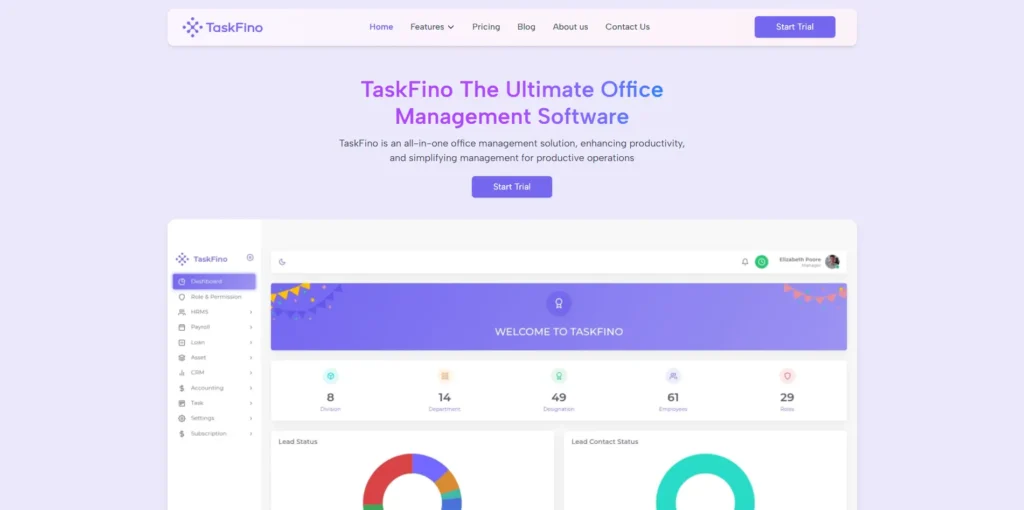
1. Taskfino: Perfect for Tight Budgets
Taskfino wins for affordability at just $16.69 per month.
This hr system software handles payroll with automated calculations, employee onboarding, leave management, and asset tracking. It also includes finance, CRM, and task management—creating an integrated business operations system.
Who should use this: Startups and small to medium businesses
Overall Rating: 4.6 out of 5 stars
What makes up this rating:
- Easy to use: 4.5/5
- Features offered: 4.8/5
- Price value: 5.0/5
- Customer support: 4.2/5
- Works with other apps: 4.1/5
Why I recommend TaskFino:
After testing many different tools, TaskFino is the best choice if you want to manage everything in one place. It’s unique because it combines:
- HR management and payroll
- Customer relationship management (CRM)
- Financial tools
All of this costs less than $17 per month, which makes it incredibly affordable for startups working with tight budgets.
| Pros | Cons |
| Affordability: Extremely low starting price tailored for startups and SMBs. | Limited Advanced Features: May lack enterprise-grade recruitment systems. |
| All-in-One Integration: Consolidates HRMS, payroll, CRM, and task management to eliminate multiple subscriptions. | Basic Compliance: Might miss the highly specialized compliance modules found in premium platforms. |
| Efficiency: One-click payroll processing reduces hours of manual work to minutes. |
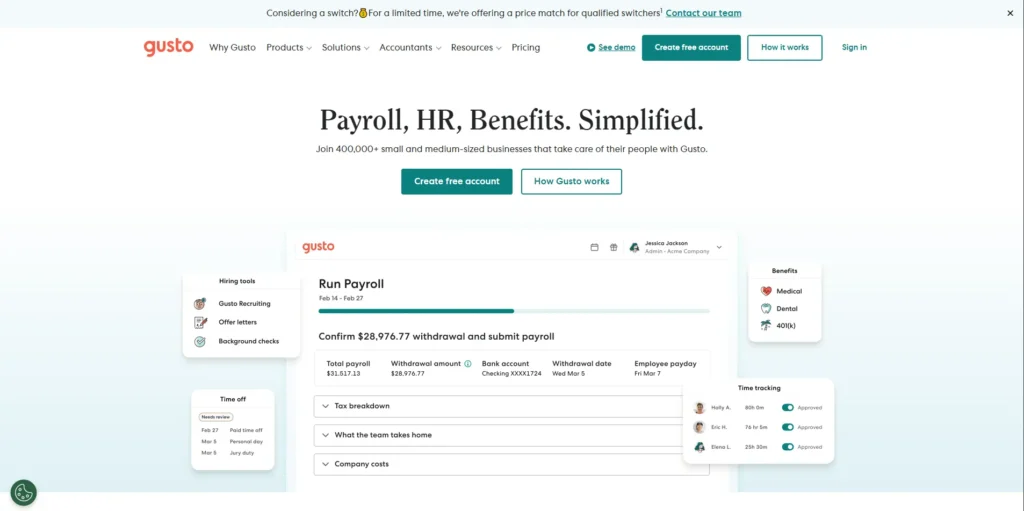
2. Gusto: Simple and Transparent
Gusto makes payroll incredibly easy.
Starting at $54 monthly plus $7 per employee, it handles taxes in all 50 states automatically. The clean interface requires minimal training. This hr and payroll software includes employee self-service portals, benefits administration, and automatic new hire filing.
Who should use this: Small businesses that want a simple system with clear, upfront pricing
Overall Rating: 4.5 out of 5 stars
What makes up this rating:
- Easy to use: 4.7/5
- Features offered: 4.5/5
- Price value: 4.0/5
- Customer support: 4.8/5
- Works with other apps: 4.2/5
Why I recommend Gusto:
After trying 15 different platforms, Gusto is a standout choice because:
- It automatically handles payroll tax filing for you
- The interface is super easy to learn, even for beginners
- You can run payroll in just minutes without doing any math yourself
| Pros | Cons |
| Automated Tax Filing: Renowned for full-service payroll that handles federal, state, and local filings automatically. | Restricted Basic Plan: The “Simple” tier is very limited; essential tools like time tracking require a paid upgrade. |
| User-Friendly Pricing: Transparent pricing model and a beginner-friendly interface with minimal training needed. | Limited International Support: Not ideal for global scaling due to restricted international payroll capabilities. |
| Empowered Employees: Strong self-service portal for independent management of pay stubs and benefits. |
Key takeaway: Gusto is perfect if you’re a small business owner who wants to pay employees quickly and easily, without getting bogged down in complicated tax calculations.
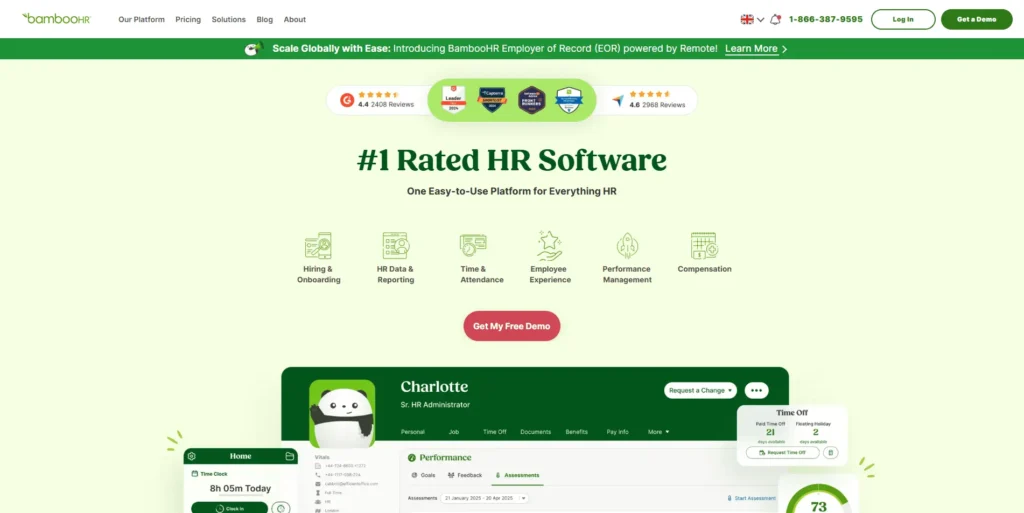
3. BambooHR: Strong All-Around Choice
BambooHR is the Swiss Army knife of hr software solutions.
Starting around $99 monthly, it covers employee records, applicant tracking with 150+ job boards, onboarding automation, time tracking, and performance management. The modular design lets you start basic and add features as you grow.
Who should use this: Companies that are tired of using spreadsheets and want better reporting tools
Overall Rating: 4.4 out of 5 stars
What makes up this rating:
- Easy to use: 4.8/5
- Features offered: 4.3/5
- Price value: 3.5/5
- Customer support: 4.6/5
- Works with other apps: 4.7/5
Why I recommend BambooHR:
BambooHR is the ultimate all-in-one tool for businesses upgrading from spreadsheets. You can:
- Start simple with just employee data management
- Add recruiting tools when you need to hire
- Include performance tracking as your team grows
- Enjoy a clean, easy-to-navigate design throughout
| Pros | Cons |
| Centralized HR Hub: Intuitive interface for managing employee records, onboarding, and performance. | Paid Add-ons: Essential features like payroll, benefits, and time tracking require additional fees. |
| Efficient Automation: Automates repetitive tasks and allows paperless onboarding before day one. | Limited Support: Customer service is restricted to office hours. |
| Data-Driven Insights: High-quality reporting and analytics to replace manual spreadsheets. | No Native Scheduling: Lacks built-in support for shift worker scheduling. |
Key takeaway: BambooHR grows with you, letting you build your HR system piece by piece in a user-friendly platform.
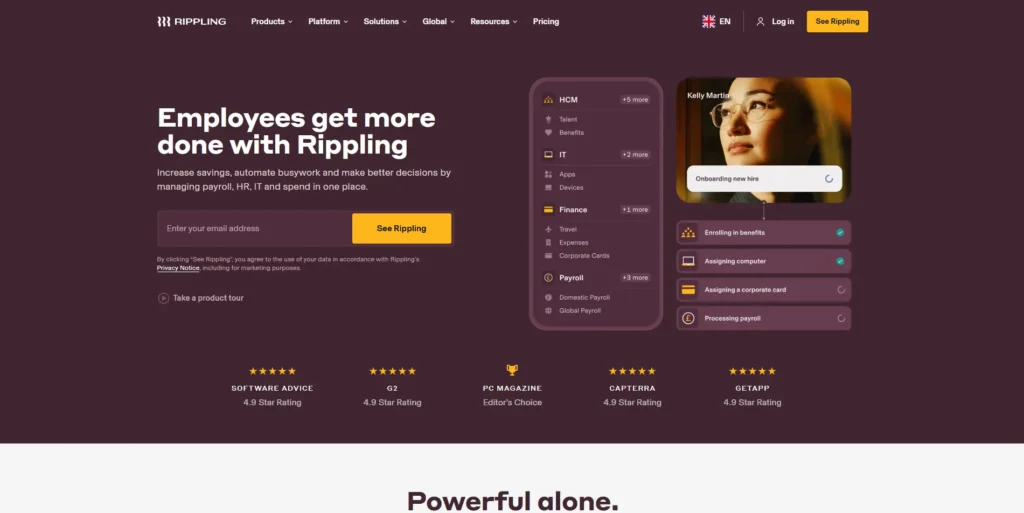
4. Rippling: HR Meets IT
Rippling combines HR management with IT operations.
When you hire someone, it sets up their payroll AND their laptop, email, and software access. It handles payroll, benefits, compliance, and employee devices in one seamless platform.
Here’s a clearer, easier-to-understand version:
Who should use this: Tech companies with complicated IT requirements
Overall Rating: 4.3 out of 5 stars
What makes up this rating:
- Easy to use: 3.8/5
- Features offered: 4.9/5
- Price value: 3.9/5
- Customer support: 4.0/5
- Works with other apps: 5.0/5
Why I recommend Rippling:
Rippling is special because it bridges the gap between HR and IT in one system. Unlike other tools, it can handle both:
- HR tasks like payroll and employee records
- IT tasks like setting up laptops and managing software access
This dual capability is a game-changer for tech companies that are growing fast and need to onboard employees quickly with all their equipment and digital tools ready to go.
| Pros | Cons |
| IT & HR Synergy: Exceptional at automating complex workflows like device and app provisioning. | Steep Learning Curve: The platform and reporting modules can be complex for new users. |
| Global Scale: Supports payroll in 185+ countries with seamless multi-currency management. | Hidden Pricing: Lacks transparency on the website; usually requires a custom quote. |
| Hardware Management: Advanced device management, including offsite storage for inactive hardware. |
Key takeaway: If your company needs to manage both people and technology seamlessly, Rippling lets you do it all in one place, perfect for tech-focused, rapidly scaling teams.
5. Zoho People: Free and Affordable
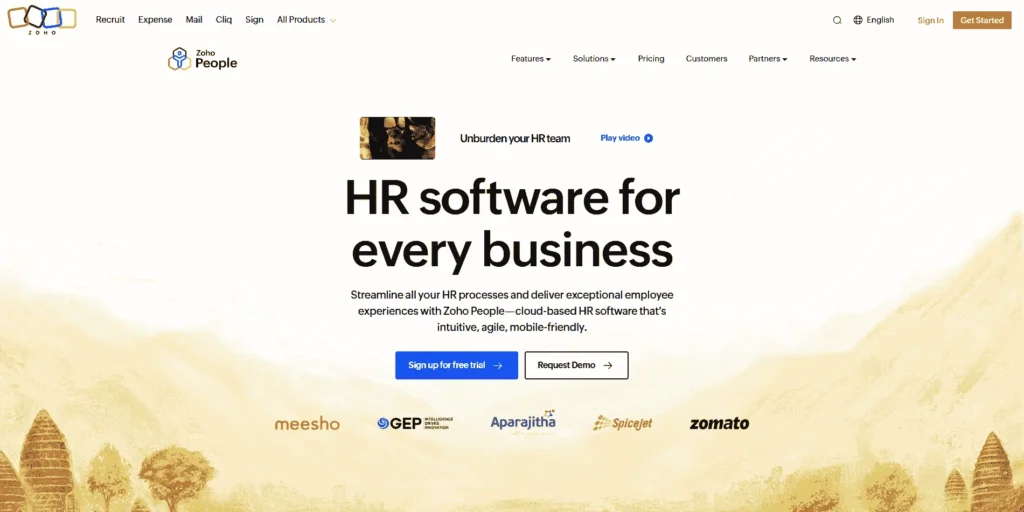
Zoho People offers the most generous free plan—up to 5 employees pay nothing.
Paid plans start at $25 per user monthly. This HRM software for small businesses covers employee records, leave tracking, performance management, recruiting tools, and workflow automation.
Who should use this: Very small teams with limited budgets, or businesses already using other Zoho products
Overall Rating: 4.2 out of 5 stars
What makes up this rating:
- Easy to use: 4.0/5
- Features offered: 4.1/5
- Price value: 5.0/5
- Customer support: 3.8/5
- Works with other apps: 4.2/5
Why I recommend Zoho People:
Zoho People is the best choice for tiny teams watching every dollar. Here’s why:
- It’s free for up to 5 employees; you can’t beat that price
- It includes Zia, an AI assistant that helps employees:
- Request time off instantly
- Get quick answers to HR questions
- Handle routine tasks without bothering managers
| Pros | Cons |
| Highly Affordable: Offers a free plan for teams up to 5 users and low-cost tiers for larger groups. | Fragmented Ecosystem: Not a standalone all-in-one; payroll and recruiting require separate apps and costs. |
| AI-Powered Assistance: Includes an AI assistant (Zia) for self-service requests and HR inquiries. | Fewer Integrations: Limited third-party software connections compared to major competitors. |
| Feature-Rich for Cost: Includes deep functionality like leave tracking and document management at a low price point. |
Key takeaway: If you have a small team (5 people or fewer) and need solid HR tools without spending money, Zoho People gives you everything you need for free, plus helpful AI features to make everyone’s life easier.
6. Deel: Built for Global Teams
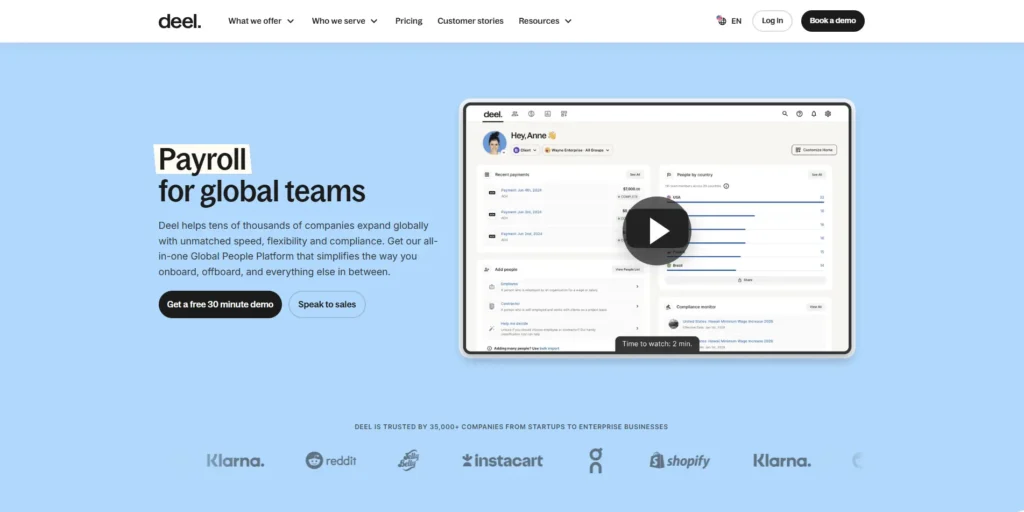
Deel specializes in paying people worldwide.
It handles compliance in 180+ countries and manages multi-currency payments for employees and contractors. Starting at $29 per employee monthly, it manages contracts, benefits, and localized perks.
Here’s a clearer, easier-to-understand version:
Who should use this: Remote companies hiring employees in different countries
Overall Rating: 4.5 out of 5 stars
What makes up this rating:
- Easy to use: 4.4/5
- Features offered: 4.7/5
- Price value: 3.8/5
- Customer support: 4.9/5
- Works with other apps: 4.6/5
Why I recommend Deel:
Deel is the best choice for companies with international teams. Here’s what makes it stand out:
- Works in 150+ countries, so you can hire talent anywhere in the world
- Handles the legal complexity of different countries’ labor laws for you
- Manages payments in multiple currencies automatically
- Takes care of international tax rules so you stay compliant
- All from one simple dashboard—no need to juggle multiple systems
| Pros | Cons |
| Global Leader: Premier choice for hiring and managing compliance/labor rules in 150+ countries. | Basic Reporting: Analytics tools currently lack the advanced depth found in platforms like Paycor. |
| Flexible Payouts: Multiple options available to help reduce international transfer fees for contractors. | Limited Customization: Some newer modules offer less flexibility for specific business needs. |
| 24/7 Support: Round-the-clock chat assistance for urgent payroll and compliance inquiries. |
Key takeaway: If you’re hiring people across borders, Deel removes the legal headaches and makes global payroll simple, letting you focus on building your team instead of worrying about compliance in dozens of countries.
7. Paycor
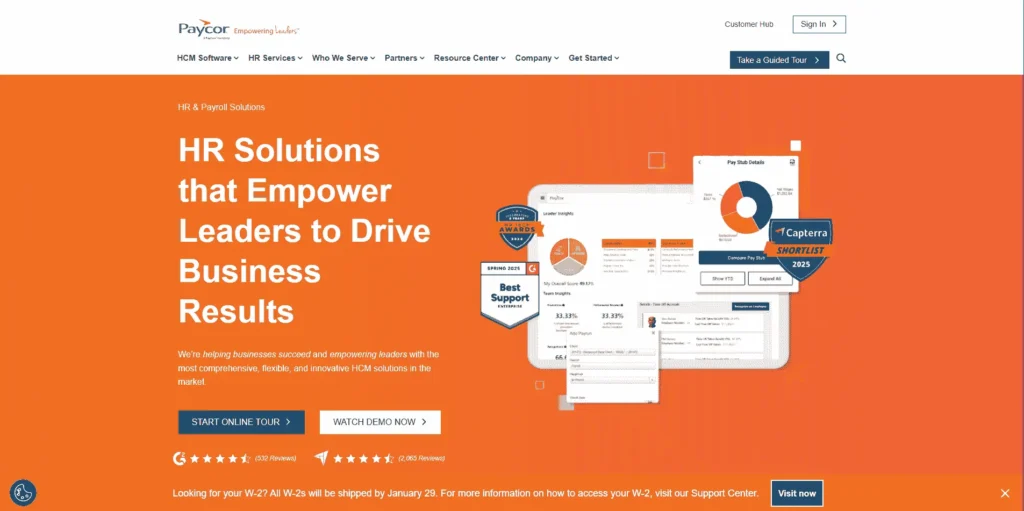
Paycor combines comprehensive HR functionality with powerful analytics at $99 monthly plus $5 per employee.
You get payroll, recruiting, onboarding, and time tracking. The real value is in analytics, benchmarking against competitors, analyzing compensation, and tracking diversity metrics.
Who should use this: Growing businesses that want to make smarter decisions using data and analytics
Overall Rating: 4.1 out of 5 stars
What makes up this rating:
- Easy to use: 3.9/5
- Features offered: 4.5/5
- Price value: 3.7/5
- Customer support: 4.4/5
- Works with other apps: 4.1/5
Why I recommend Paycor:
Paycor stands out for its powerful analytics and reporting tools. It helps you:
- Compare your pay rates against what competitors are offering
- Use data insights to understand why employees stay or leave
- Make informed decisions about raises, benefits, and retention strategies
- Track trends in your workforce to spot problems before they grow
| Pros | Cons |
| Advanced AI Analytics: Features AI-powered tools to track employee engagement and retention. | Opaque Pricing: Cost structure is non-transparent. |
| Unified Self-Service: Supports seamless employee self-service across both mobile and web platforms. | Steep Learning Curve: The interface can be confusing and requires extra training during implementation. |
Key takeaway: If your business is growing and you want to use real data (not just gut feelings) to manage your team better, keep employees happy, and stay competitive with salaries, Paycor gives you the insights you need to make smart choices.
8. HiBob: Focus on Team Culture
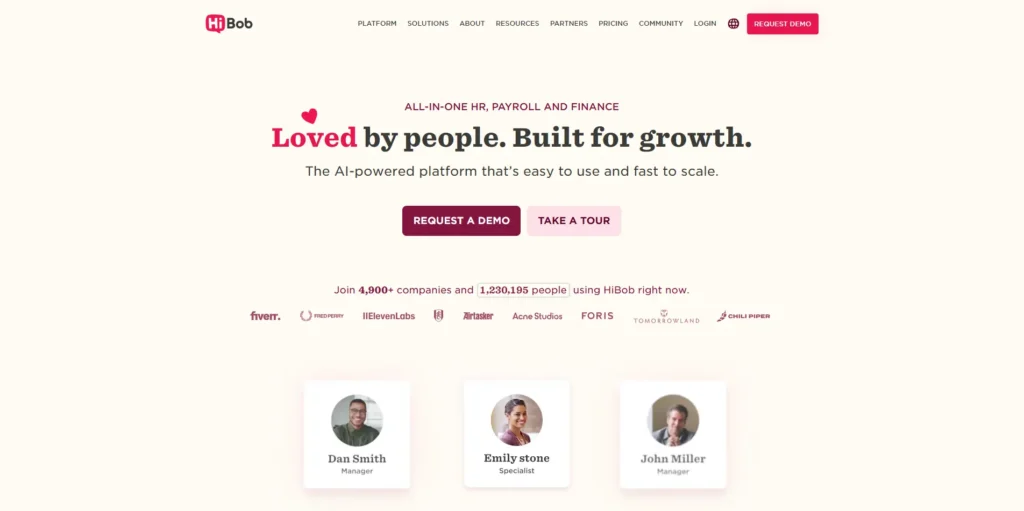
HiBob delivers core HR functionality with strength in employee engagement at $5-$10 per employee monthly.
It adds a community feature, helping remote teams stay connected. Manager dashboards and mobile access make it practical for distributed teams.
Who should use this: Remote companies that want to build a strong team culture and keep employees engaged
Overall Rating: 4.6 out of 5 stars
What makes up this rating:
- Easy to use: 4.8/5
- Features offered: 4.4/5
- Price value: 4.1/5
- Customer support: 4.7/5
- Works with other apps: 4.5/5
Why I recommend HiBob:
HiBob does more than just standard HR tasks—it’s designed to bring your team together. Here’s what makes it special:
- Focuses on company culture and keeping employees connected
- Includes a community hub where team members can interact and stay engaged
- Perfect for remote or hybrid teams who don’t see each other in person
- The most “social” HR platform I’ve tested—it feels less like software and more like a team space
| Pros | Cons |
| Culture & Engagement: Strong focus on team building with a built-in community hub. | Lack of Transparency: Pricing is quote-based without transparent public tiers. |
| Comprehensive Reviews: Offers 360-degree performance reviews involving both managers and peers. |
Key takeaway: If you have a remote or hybrid team and worry about people feeling disconnected or disengaged, HiBob helps you maintain a strong company culture by giving your team a place to connect, share, and feel like they’re part of something bigger—all while handling your essential HR needs.
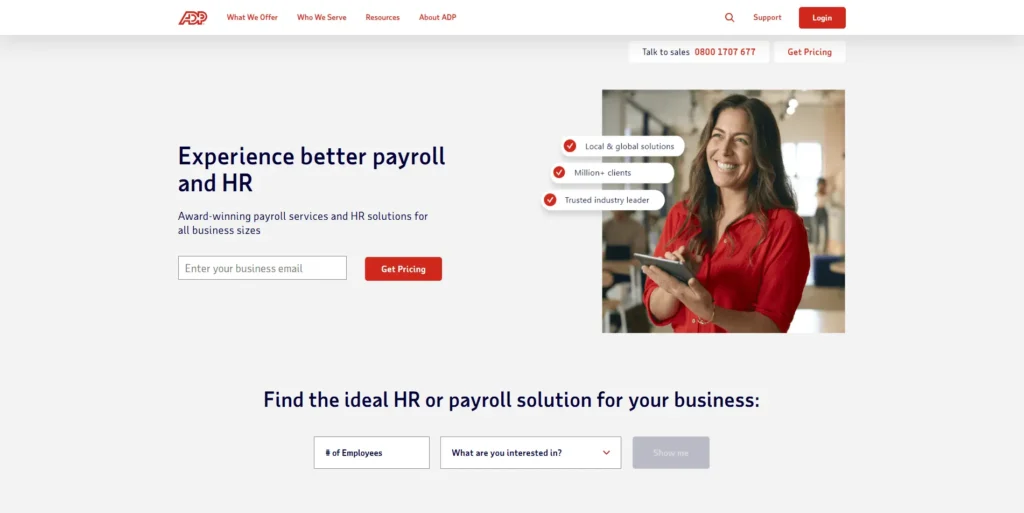
9. ADP Workforce: Enterprise Power
ADP brings powerful functionality often found in hr software for enterprises down to a price point that mid-sized businesses can afford. At $18-$27 per employee monthly, it handles complex compliance, advanced analytics, and sophisticated talent management with rock-solid reliability.
It handles complex compliance, advanced analytics, comprehensive benefits, and sophisticated talent management with rock-solid reliability.
Best for: Mid-sized businesses needing enterprise features and established support.
Overall Rating: 4.0 out of 5 stars
What makes up this rating:
- Easy to use: 3.5/5
- Features offered: 4.9/5
- Price value: 3.2/5
- Customer support: 4.8/5
- Works with other apps: 4.7/5
Why I recommend ADP:
ADP brings big-company power to medium-sized businesses. Here’s why it’s worth considering:
- Extremely reliable—it’s trusted by major corporations and won’t let you down
- Handles complex tax situations like when you have employees working in multiple states
- Manages complicated compliance rules that smaller platforms struggle with
- Enterprise-level features without needing to be a huge company
| Pros | Cons |
| Highly Reliable: Extremely trusted for managing complex payroll scenarios. | Per-Run Fees: Charging per payroll run can be less cost-effective than unlimited models. |
| Multi-State Support: Successfully handles multi-state pay runs, even within their starter plans. | Dated Interface: The UI can feel clunky or old-fashioned compared to modern competitors. |
Key takeaway: If your business has complicated payroll needs—like employees in multiple states with different tax laws, or industry-specific compliance requirements—ADP has the power and reliability to handle it all. It’s not the easiest or cheapest option, but it’s built for complexity and won’t fail you when things get tricky.
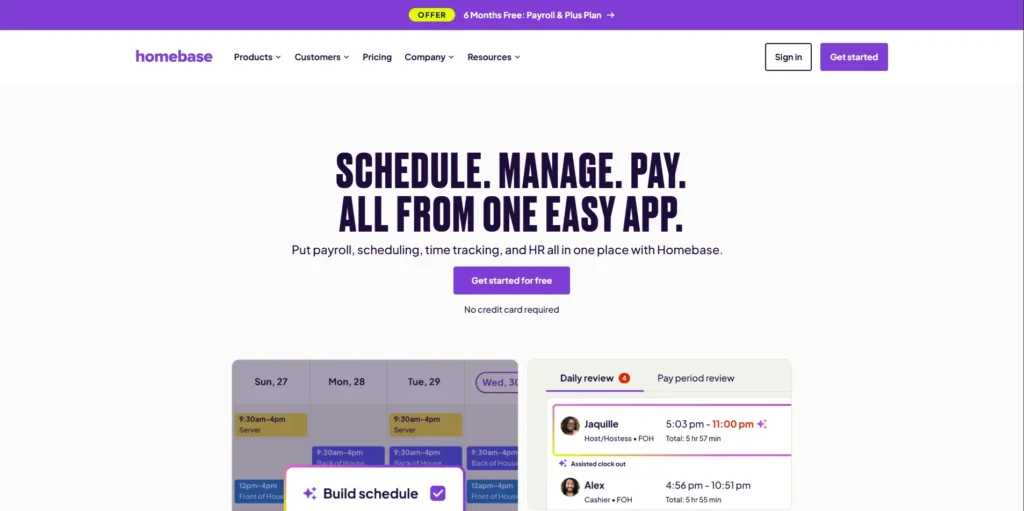
10. Homebase: Built for Shift Workers
Homebase focuses on hourly and shift-based employees.
The free plan covers up to 20 employees. Paid plans start at $24.95 monthly per location. Excellent scheduling tools, time tracking, and point-of-sale integrations make it perfect for retail and restaurants.
Who should use this: Retail stores, restaurants, cafes, and hospitality businesses with multiple locations
Overall Rating: 4.4 out of 5 stars
What makes up this rating:
- Easy to use: 4.8/5
- Features offered: 4.2/5
- Price value: 4.9/5
- Customer support: 4.1/5
- Works with other apps: 3.8/5
Why I recommend Homebase:
Homebase is built specifically for businesses with hourly workers and changing schedules. Here’s what makes it perfect for shift-based teams:
- Free for up to 20 employees—amazing value for small businesses
- GPS clock-ins so employees can punch in/out from their phones (and you know they’re actually at the location)
- Shift-swapping tools that let employees trade shifts easily without constant manager involvement
- Designed for the realities of restaurants, retail, and hospitality—not generic office jobs
| Pros | Cons |
| Shift-Based Champion: Ideal for hourly and shift-based teams with specialized scheduling tools. | Integration Gaps: Offers limited integrations with third-party business software. |
| Generous Free Tier: Provides free scheduling and time tracking for teams of up to 10–20 employees. |
Key takeaway: If you run a cafe, restaurant, retail shop, or any business where people work in shifts at physical locations, Homebase makes scheduling and time tracking incredibly easy. Plus, the free tier is hard to beat for small teams.
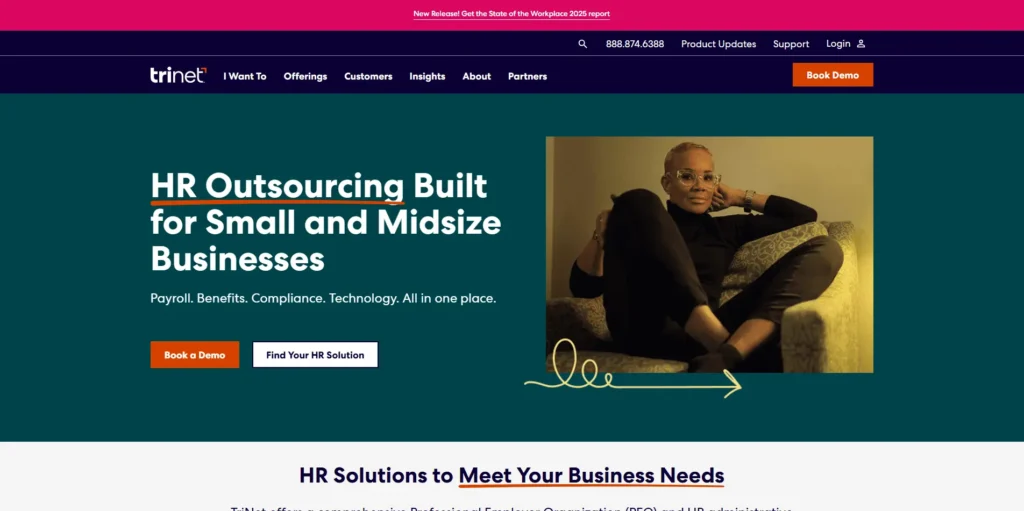
11. TriNet: Full-Service Solution
TriNet combines hr software with HR consulting services.
You get comprehensive HR management, benefits, payroll, and compliance support, plus access to HR consultants for complex situations like terminations or policy questions.
Who should use this: Growing companies that need expert HR advice, not just software
Overall Rating: 3.9 out of 5 stars
What makes up this rating:
- Easy to use: 4.0/5
- Features offered: 4.6/5
- Price value: 3.0/5
- Customer support: 4.9/5
- Works with other apps: 3.8/5
Why I recommend TriNet:
TriNet is different because it’s a PEO (Professional Employer Organization), which means you get real HR experts helping you, not just software. Here’s what that means for you:
- Access to big-company benefits like those offered by Fortune 500 companies, even if you’re a small team
- Real HR professionals you can call when you need help with tricky situations like:
- Firing someone the right way
- Understanding complex labor laws
- Handling employee complaints
- Expert guidance + software working together, not just a platform you’re left to figure out alone
| Pros | Cons |
| Premium Benefits: Provides access to Fortune 500-level benefits and expert HR consulting. | Loss of Control: The PEO model can reduce a business owner’s direct control over some HR functions. |
| Compliance Expertise: Strong focus on benefits administration and regulatory compliance. | Higher Cost: Monthly costs are typically higher than many simple payroll tools. |
Key takeaway: If you’re growing and facing complicated HR situations that make you nervous (like legal compliance or difficult employee issues), TriNet gives you experienced professionals to guide you through it—plus excellent benefits for your team. You pay more, but you get human expertise, not just a tech tool.
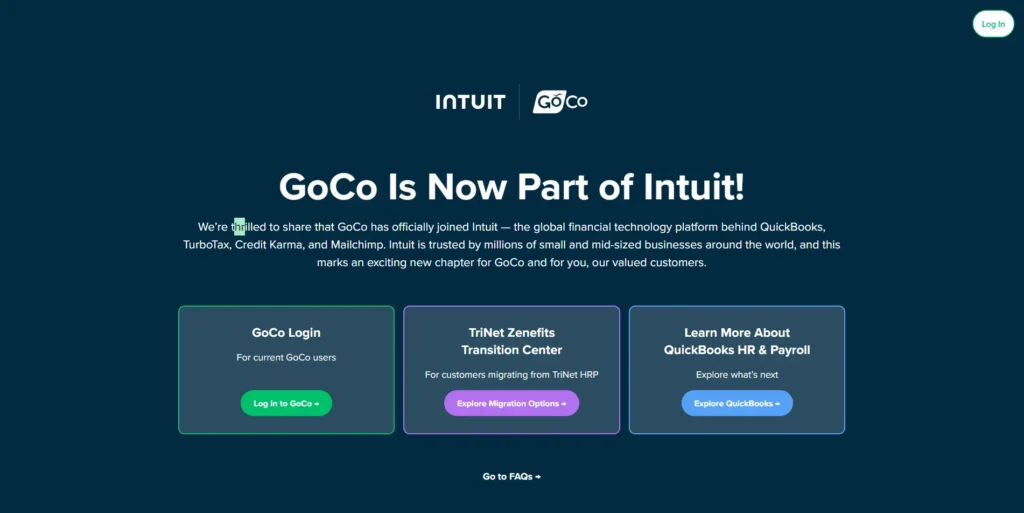
12. GoCo: Simple for Small Teams
GoCo, owned by Intuit, targets teams under 50 employees.
It offers HRIS basics, talent management, time tracking, benefits administration, and payroll with deliberate simplicity. Integration with Slack and Asana enhances usability.
Here’s a clearer, easier-to-understand version:
Who should use this: Small teams just starting with digital HR tools, especially if you already use Intuit products (like QuickBooks)
Overall Rating: 4.7 out of 5 stars
What makes up this rating:
- Easy to use: 4.9/5
- Features offered: 4.3/5
- Price value: 3.8/5
- Customer support: 5.0/5
- Works with other apps: 4.6/5
Why I recommend GoCo:
GoCo shines because of its exceptional human support. Here’s what sets it apart:
- Every customer gets a dedicated Success Manager—a real person assigned to help you
- Perfect safety net if you don’t have an HR department or IT staff
- Super easy to learn, even if you’ve never used HR software before
- Someone to call when you’re stuck or confused, not just a help center
| Pros | Cons |
| Personalized Support: Assigns a dedicated human Success Manager to every customer. | Scaling Costs: Total price can rise quickly as add-ons for payroll and attendance are added. |
| Modular Pricing: Allows businesses to pay only for the specific features they need. |
Key takeaway: If you’re a small team without HR experts on staff and feel intimidated by new software, GoCo gives you a personal guide to help you every step of the way. You get top-tier support with someone who knows your business, making the transition to digital HR stress-free.
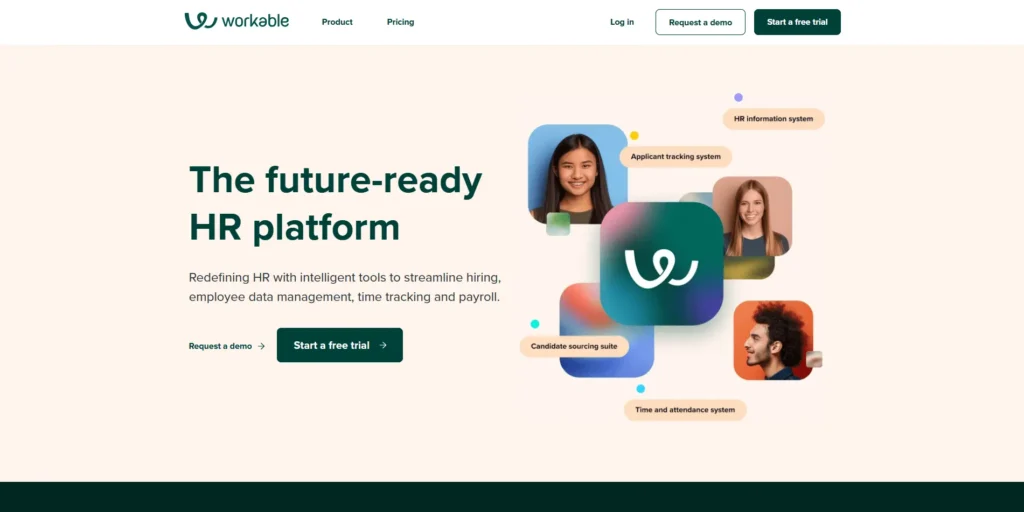
13. :Workable: Recruiting Powerhouse
Workable delivers industry-leading applicant tracking at $189 monthly.
You get sophisticated job posting, candidate screening, video interviews, assessments, and automated hiring workflows, plus basic onboarding and time-off management.
Who should use this: Businesses that are constantly hiring for multiple positions at once
Overall Rating: 4.3 out of 5 stars
What makes up this rating:
- Easy to use: 4.5/5
- Features offered: 4.8/5
- Price value: 3.2/5
- Customer support: 4.4/5
- Works with other apps: 4.6/5
Why I recommend Workable:
Workable is built for companies that hire a lot of people frequently. Here’s how it saves you time:
- Powerful applicant tracking that organizes hundreds of candidates automatically
- Automated interview scheduling so you don’t waste hours coordinating calendars
- Smart screening tools that filter through applications quickly
- Perfect for batch hiring—like when you need to hire 10 people at once or run constant recruitment
| Pros | Cons |
| Recruitment Powerhouse: Industry-leading tools with automated job postings to 200+ boards. | High Entry Cost: Starting price of $189/month may be steep for small businesses. |
| Advanced Screening: Includes sophisticated candidate screening tools and built-in video interviews. |
Key takeaway: If hiring feels like a full-time job because you’re always looking for new people, Workable takes the repetitive, time-consuming tasks off your plate. It’s designed for high-volume recruiting and can save you hours every week by automating the boring parts of the hiring process.
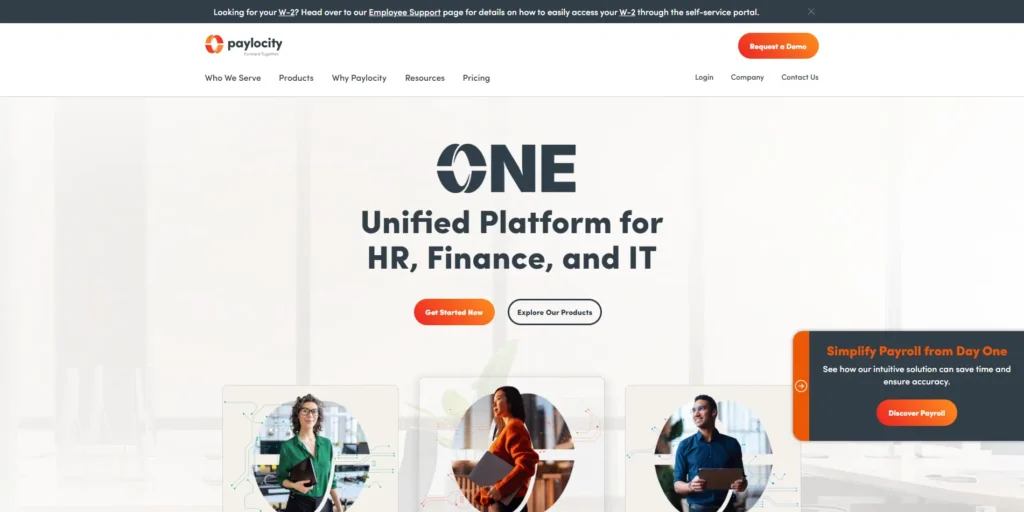
14. Paylocity: Mobile-First Experience
Paylocity emphasizes mobile-friendly talent management and employee experience.
You get automated payroll for the US and 100+ countries, mobile portals, pulse surveys, learning modules, and performance management designed for distributed teams.
Here’s a clearer, easier-to-understand version:
Who should use this: Remote workforces that need excellent mobile access and a great employee experience
Overall Rating: 4.2 out of 5 stars
What makes up this rating:
- Easy to use: 4.1/5
- Features offered: 4.6/5
- Price value: 3.5/5
- Customer support: 4.3/5
- Works with other apps: 4.7/5
Why I recommend Paylocity:
Paylocity is designed for employees who work from anywhere and use their phones for everything. Here’s what makes it great:
- Mobile-first design—the app works just as well (or better) than the desktop version
- Everything on your phone, including:
- Checking paystubs and managing payroll
- Completing training courses
- Doing performance reviews
- No desktop computer needed—perfect for distributed teams or workers always on the move
- Great employee experience that feels modern and intuitive
| Pros | Cons |
| Mobile-First Experience: Excellent employee engagement using social-style communication tools. | Opaque Pricing: Cost is only available upon request and tailored to a PEPM (Per Employee Per Month) model. |
| AI Assistant: Includes an automated assistant that can perform actions like tracking anniversaries. |
Key takeaway: If your team is remote or always on the go, Paylocity lets employees handle all their HR tasks from their phones seamlessly. It’s built for the mobile-first world, so your team can take care of everything without being tied to a desk.
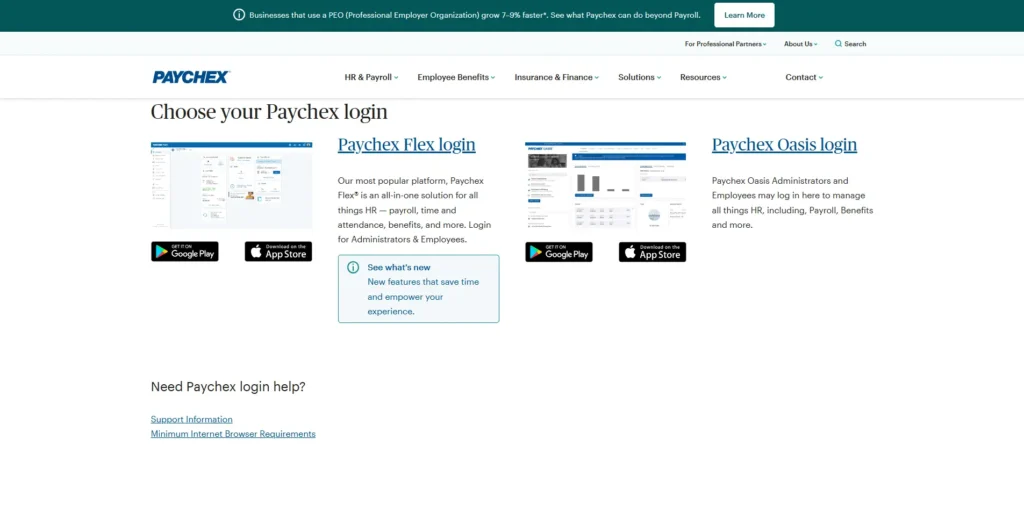
15. Paychex Flex: Budget Entry Point
Paychex Flex offers the lowest entry price, just $39 monthly plus $5 per employee. It focuses on payroll accuracy with tax filing, flexible payments, HR templates, analytics, and document management.
Here’s a clearer, easier-to-understand version:
Who should use this: Budget-conscious businesses with fewer than 20 employees who need reliable payroll features
Overall Rating: 4.0 out of 5 stars
What makes up this rating:
- Easy to use: 3.7/5
- Features offered: 4.2/5
- Price value: 4.3/5
- Customer support: 4.6/5
- Works with other apps: 4.1/5
Why I recommend Paychex Flex:
Paychex Flex is the best entry-level option for small businesses on a budget. Here’s what you get:
- Very affordable—one of the lowest starting prices in the industry
- Accurate payroll processing you can trust
- Access to real payroll specialists—human experts you can call when you need help
- Designed for small teams of under 20 people
| Pros | Cons |
| Scalability & Support: Highly scalable solution providing a dedicated payroll specialist for personalized support. | Legacy Interface: The user interface is less modern compared to newer, more agile competitors. |
| Seamless Integrations: Integrates smoothly with insurance carriers and retirement services for a unified workflow. | Premium Pricing: Overall cost can be higher than simpler, fully automated tools. |
Key takeaway: If you’re a small business watching your budget but don’t want to sacrifice payroll accuracy or support, Paychex Flex gives you solid, reliable payroll features plus access to real experts—all at a price that won’t break the bank.
How to Choose Your Perfect HR Software
Picking the right best hr software means balancing several priorities. Here’s how to make a smart decision.
Identify Your Top Pain Points
Start by listing your biggest HR headaches.
Are you drowning in manual payroll? Struggling with compliance? Losing candidates because hiring takes forever? Dealing with HR burnout?
Start by listing your biggest HR headaches. Are you drowning in manual payroll? Struggling with compliance? Solving these types of common workforce administrative hurdles is the primary reason to invest in a platform. Focus on your top 2-3 problems and choose software that addresses them first.
Think About Future Growth
Pick a platform that works now AND in three years.
You don’t want to switch systems in 18 months because you outgrew your software. Look for solutions that scale easily as you add employees and features.
Calculate the Real Cost
That “$39/month” price tag rarely tells the full story.
Account for setup fees, training costs, integration expenses, customizations, and ongoing support. Ask vendors for all-inclusive pricing. Sometimes, a more expensive platform costs less overall than a “cheap” option with hidden fees.
Check Integration Capabilities
Your new HR system software should integrate seamlessly with existing tools like accounting platforms, payroll processors, and benefits administration systems. When selecting the best HR software for small business, poor integration capabilities lead to redundant data entry, increased errors, and wasted time. Before committing to any solution, verify the specific integration methods available and confirm compatibility with your current technology stack.
Test With Real Users
During free trials, invite 3-5 employees to test the platform. Don’t just test it yourself.
An intuitive interface with strong adoption rates ensures faster implementation. A powerful platform that nobody uses because it’s too complicated wastes your money.
Verify Security Standards
HR systems store sensitive personal and financial information.
When evaluating HR platforms for small businesses, prioritize solutions that employ robust encryption protocols, maintain regular data backups, and hold recognized security certifications such as SOC 2 or ISO 27001. These platforms manage highly sensitive employee information, including Social Security numbers, banking details, and compensation data—making enterprise-grade security measures essential even for smaller organizations.

5 Common Mistakes to Avoid
Even smart business owners make costly errors when choosing HR software. Here’s what to watch out for.
Mistake #1: Prioritizing Price Over Features
Many businesses select HR software based primarily on low cost, only to discover that critical features require expensive add-ons.
This results in higher total costs than choosing a comprehensive solution initially. Verify essential requirements are included in base pricing. To avoid these pitfalls, many owners prefer an all-inclusive cloud-based HRIS for lean teams that offers transparent, flat-rate functionality.
Mistake #2: Ignoring Growth Requirements
Choosing software that solves only present challenges creates problems as you grow.
Select a platform supporting your anticipated trajectory over 3-5 years to avoid costly system migrations.
Mistake #3: Underestimating Security Risks
Not all vendors follow industry-standard security practices.
Always verify encryption methods, backup procedures, and compliance certifications. Your employees’ personal information needs proper protection.
Mistake #4: Forgetting Implementation Costs
Total cost extends beyond subscription fees.
Implementation, training, integrations, and customizations can substantially exceed monthly costs. Calculate your complete Year 1 cost, including all setup expenses.
Mistake #5: Neglecting Integration Needs
Failed integrations create duplicate work and costly errors.
When your best HR software for small business doesn’t talk to your accounting software, you’re entering data twice. Test integrations during trial periods before committing.
TaskFino: A Complete Solution for Small Businesses
TaskFino stands out by offering a unified business operations approach instead of working as just another HR tool.
Starting at only $16.69 monthly for the Startup plan, TaskFino combines HR and payroll management with finance, CRM, asset management, task management, and employee loan management.
Most small businesses use 4-5 different software subscriptions for these functions.
TaskFino consolidates everything into one affordable platform. This eliminates costly switching between disconnected tools and prevents data problems that happen with fragmented systems.
The platform automates critical functions, including one-click payroll processing.
What normally takes 4-8 hours monthly now takes just minutes. You also get attendance tracking, leave management, employee onboarding, and asset management.
Payroll expenses automatically sync with accounting records, and employee data stays consistent across all modules.
TaskFino’s design lets you activate only the features you need initially—like HRMS and payroll. Then you can add CRM capabilities or advanced task management as your business grows. This eliminates unnecessary costs while giving you flexibility for the future.
While TaskFino works great for bootstrapped startups and service-based businesses, some organizations might need specialized platforms.
If you require enterprise-grade recruitment systems, advanced workforce analytics, or highly specialized compliance functionality, dedicated platforms might serve you better.
However, for founders prioritizing affordability and operational consolidation, TaskFino delivers exceptional value.
It makes enterprise-grade business automation accessible to companies that previously thought HRM software was too expensive.
Special Scenarios: Which HR Software Handles Your Unique Situation?
Most HR software comparisons assume you have a typical setup: all W-2 employees, everyone in one state, standard 9-to-5 schedules. But real small businesses are messier. Here’s how to handle situations that don’t fit the standard template.
You Have Both W-2 Employees and 1099 Contractors
The Challenge: W-2 employees need taxes withheld and benefits managed. 1099 contractors get paid gross (no withholding) and need 1099-NEC forms at year-end. Running two separate payment systems doubles your work.
Best Solutions:
Gusto handles this perfectly. You add contractors to the same system as employees, mark their classification, and process everything in one payroll run. The platform automatically skips tax withholding for contractors and tracks their annual payments for 1099 generation. When you reach $600 paid to a contractor (the IRS threshold for 1099 filing), Gusto alerts you and auto-generates the form in January.
Rippling goes a step further by managing international contractors. If you have contractors in Canada, Mexico, or Europe, Rippling handles multi-currency payments, local tax requirements, and compliance documents for 180+ countries.
Homebase is the budget option. The free plan processes contractor payments and tracks totals for 1099s, though you’ll manually generate the forms (or pay $20/month for automatic generation).
Avoid: Square Payroll and Paychex Flex handle contractors as an afterthought. You’ll pay extra fees per contractor payment and the contractor experience is clunky.
The Quick Verdict: Which HR Software Should You Choose?
What is the best hr software for small companies in 2026? For most organizations with 5 to 50 employees, Gusto or BambooHR remain the top contenders. Gusto is the winner for integrated payroll, while BambooHR leads for company culture and onboarding. Gusto is better if you need a simple, all-in-one payroll and benefits tool. BambooHR is better if you want to focus more on company culture and performance reviews. If you are strictly on a tight budget, Homebase offers a great free version for basic scheduling.
Making Your Final Decision
The right software for office management transforms how you run your company. You’ll spend less time on administrative tasks and more time on strategic growth.
Your employees will be happier because they can access information instantly. You’ll avoid costly compliance mistakes and payroll errors.
The most successful implementations align platform capabilities with actual business requirements while accounting for the total cost of ownership. Don’t choose based on the most features or the lowest advertised price—choose based on solving your specific problems.
Conduct free trials with 2-3 finalists. Involve end-users in evaluation to ensure your team will actually adopt the system. Verify integration capabilities work properly before signing contracts.
Your perfect HR solution eliminates administrative burden, improves accuracy, ensures compliance, and enables your business to focus on growth and employee development rather than manual processes.
The right choice will pay for itself many times over through saved time, reduced errors, better retention, and faster hiring—giving you back the hours you need to build something amazing.
Choosing the software is just the first step. To make sure you’re actually getting the most out of your new system, you might want to check out our guides on how to write a digital employee handbook or our checklist for onboarding remote staff. Setting up the tech is easy; building the culture around it is the real work.